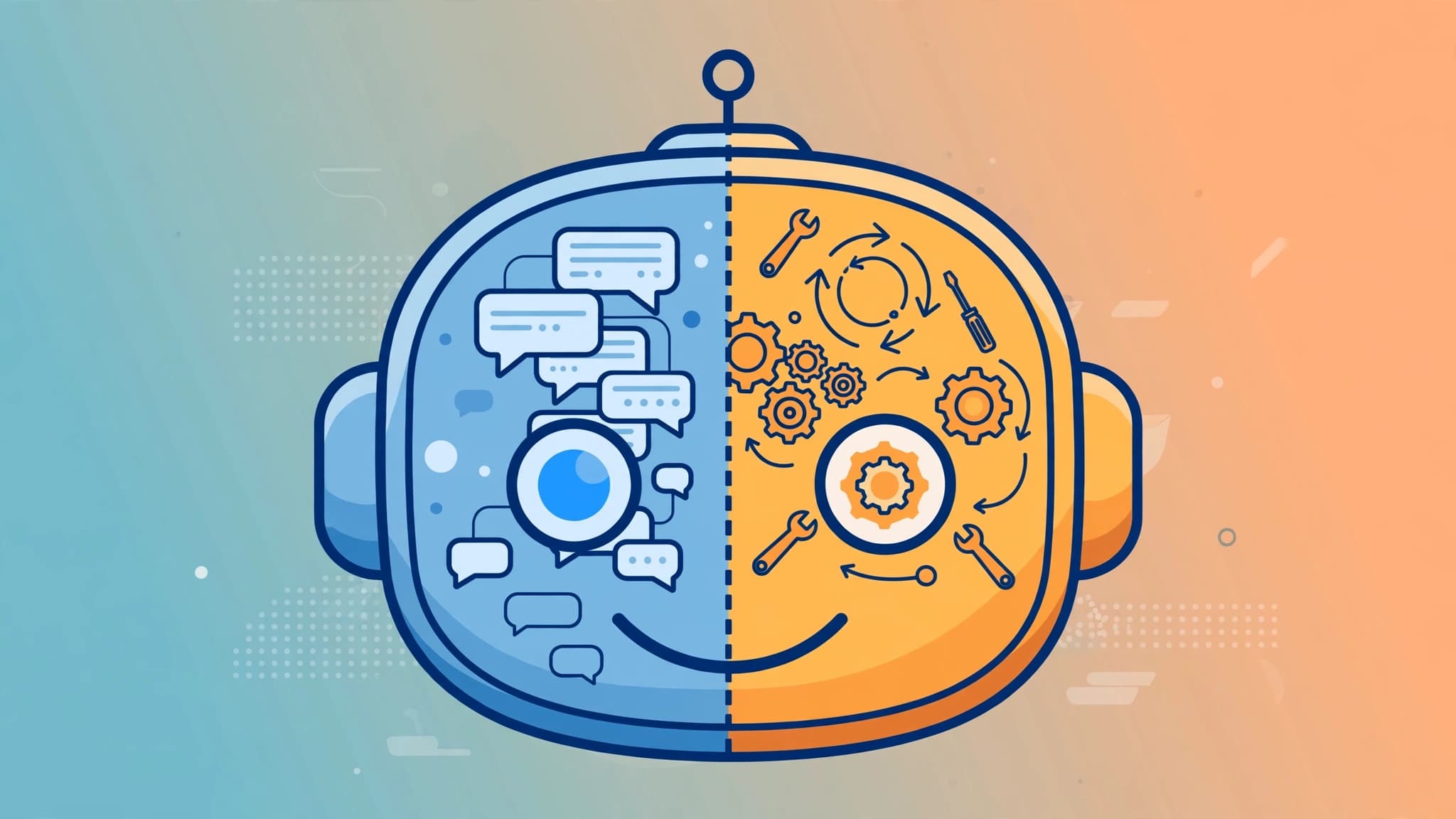
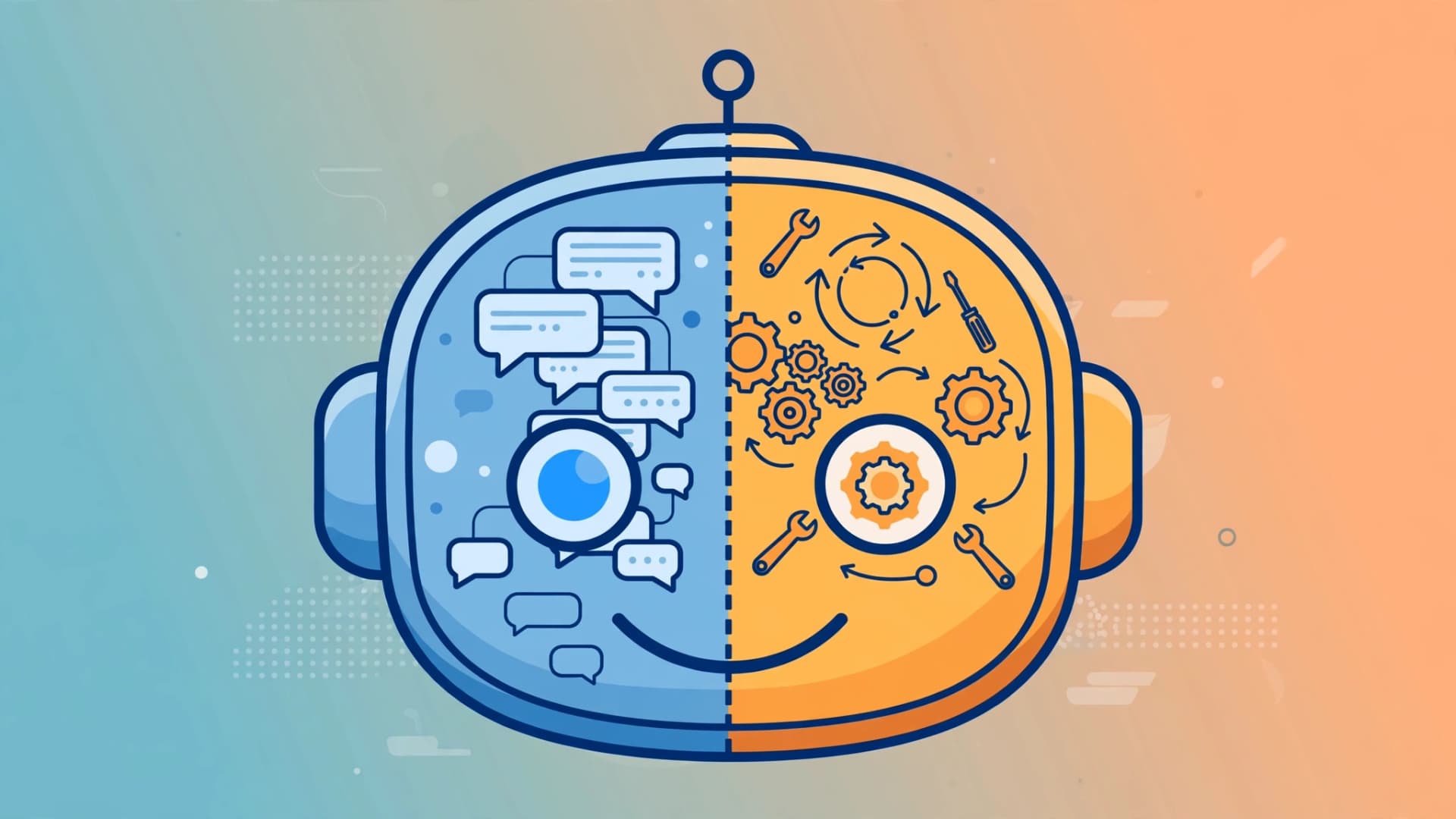
Every vendor now sells an "AI agent", but most of them are selling a chatbot with new branding. The distinction matters because agents and chatbots solve different problems, cost different amounts, and carry different risks. This guide explains what each one actually is, the four technical differences that count, and how to spot the marketing fluff in 2026.
What a chatbot actually is
A chatbot is a conversational interface designed to respond to inputs. In 2026 there are two generations living side by side. The older kind is scripted or retrieval-based: it matches your question to a knowledge base article and returns a pre-written answer. The newer kind is powered by a large language model, so it can handle natural phrasing and summarize long documents.
What both share is a reactive design. A chatbot waits for your message, produces a response, and stops. It may be able to call a function — looking up an order status or checking a database — but a human or a predefined script still decides when and how that tool gets called. That is the ceiling of a chatbot: it answers, it informs, it deflects. It never picks up a multi-step job and carries it to completion on its own.
What an AI agent actually is
An AI agent uses a large language model as a reasoning engine, not just a text generator. You give it a goal and access to tools — APIs, databases, browsers, code execution — and it plans the steps itself, decides which tool to use in what order, adapts when something fails, and keeps going until the task is done or escalates to a human.
The working definition practitioners converge on is this: a chatbot operates within a defined conversational scope, while an agent perceives its environment, reasons toward a goal, selects among available tools, and carries out multi-step actions across systems on its own. The word doing the real work there is autonomy — not tools. Tool access alone does not make something an agent. An LLM that decides which tool to use, in what order, and when the task is actually finished — that is an agent.
Real production examples are already visible. Anthropic's Claude Agent SDK lets developers hand Claude a goal and a toolkit, then let it run the loop autonomously, checking in only when it reaches a decision that needs human approval. Replit's Agent 3 is built on the Mastra framework's agent primitives. In enterprise support, agents draft outbound emails, reconcile transactions, and open pull requests when they detect a known bug pattern — all without a human clicking through every step.
The four differences that actually matter
1. Autonomy and reasoning
Chatbots follow an input-output pattern: message in, answer out. Agents run a reasoning loop. They break a goal into sub-steps, choose tools, observe results, and replan. Salesforce's Agentforce, for example, frames agents as systems that "connect directly to company data to reason through complex tasks and take independent action across workflows" — where a chatbot would follow pre-programmed conversational paths.
2. Tool use and side effects
Both can touch tools, but with different authority. A chatbot's tool calls are pre-scripted: look up a refund policy, fetch order #12345. An agent decides which tools to call based on what it discovers mid-task, and it can write as well as read — updating a CRM record, booking a calendar slot, deploying a fix. The 2026 infrastructure for this is increasingly standardized: Anthropic's Model Context Protocol (MCP) reached v2.1 and is supported in Claude Desktop and Cursor, Microsoft's Agent Framework 1.0 shipped with first-class MCP support, and Google's Agent-to-Agent protocol (A2A) now counts 150+ participating organizations for agents that need to delegate work to each other.
3. Memory and state
Chatbots hold short-term session context — a few turns of conversation — and typically lose it when the chat ends or the context window fills. Agents are built for long-running work: they maintain short-term and long-term memory, often backed by vector databases, so they can track progress across hours or days, remember prior actions, and resume interrupted workflows.
4. Self-correction
When a chatbot gives a wrong answer, it has no idea unless you tell it. When an agent hits an error — a failed API call, a broken script — it can inspect the error, adjust its approach, and retry on its own. That closed loop is what makes agents suitable for workflows you do not want to babysit.
| Dimension | Chatbot | AI agent |
|---|---|---|
| Primary function | Answers questions | Completes multi-step work |
| Autonomy | Reactive, human-driven | Self-directed toward a goal |
| Tool use | Pre-scripted calls | Decides which tools, when, in what order |
| Memory | Session-only | Short-term + long-term, persistent |
| Error handling | None unless corrected | Self-corrects and retries |
| Ideal for | FAQs, lead gen, info lookup | End-to-end automation, complex workflows |
| Setup effort | Days | Weeks to months |
Beware of "agent-washing"
Here is where the research gets blunt. Gartner found that of the thousands of vendors calling their products AI agents in 2026, only around 130 verifiably met an architectural standard for genuine agentic behaviour. The rest were largely retrieval chatbots with agent branding — a practice now called agent-washing.
Before you buy or build, run this three-question test:
1. Who decides when a tool fires? If a human wrote the rule — "when the user asks about shipping, call trackOrder" — that is a chatbot with function calling. If the model decides — "the customer wants their shipment rerouted, so I'll check tracking, find the carrier's reroute API, submit the change, then confirm" — that is an agent.
2. Does it persist across steps? Can it carry state from step one through step twenty without a human restarting it? Real agents maintain working memory across a multi-step plan.
3. What happens on failure? Ask the vendor to demo an error mid-task. A chatbot stops or hallucinates an answer. An agent reads the error, replans, and retries.
When to use a chatbot, when to use an agent
Start with a chatbot when you need fast, low-cost FAQ coverage: answering store hours, routing tickets, qualifying leads, walking users through structured processes like booking an appointment. Setup is measured in days, and for routine inquiries nothing beats it.
Upgrade to an agent when the workflow requires completed outcomes, not just information: resolving multi-step billing disputes, processing returns end-to-end, reconciling data across systems, or automating sales follow-up that reads one system, decides based on what it finds, and writes to another. Expect real planning costs: agents need clean data environments, defined permissions, and governance — especially approval gates before actions with financial or irreversible consequences.
Most serious deployments in 2026 do not pick one. The emerging pattern is a chatbot as the conversational interface, an LLM as the reasoning engine, and agents as the action layer — with a human approval checkpoint where the stakes demand it.
The trajectory from here
The line between the two is already blurring. Salesforce notes that as chatbots integrate reasoning, planning, and external tool use, they evolve into more autonomous agents. Standards are accelerating this: MCP turns fragmented enterprise APIs into a unified tool catalog any compatible agent can use, and A2A lets agents from different vendors discover and delegate to each other. Gartner projects that by 2028 roughly 15% of day-to-day work decisions will be made autonomously by AI agents, up from near zero today.
The practical takeaway is simpler than the hype. Chatbots inform; agents act. If your problem is "our customers need answers", a chatbot is enough. If your problem is "this ten-step workflow eats three hours of my team's day", that is agentic work — and now you know how to tell the real agents from the chatbots wearing agent costumes.