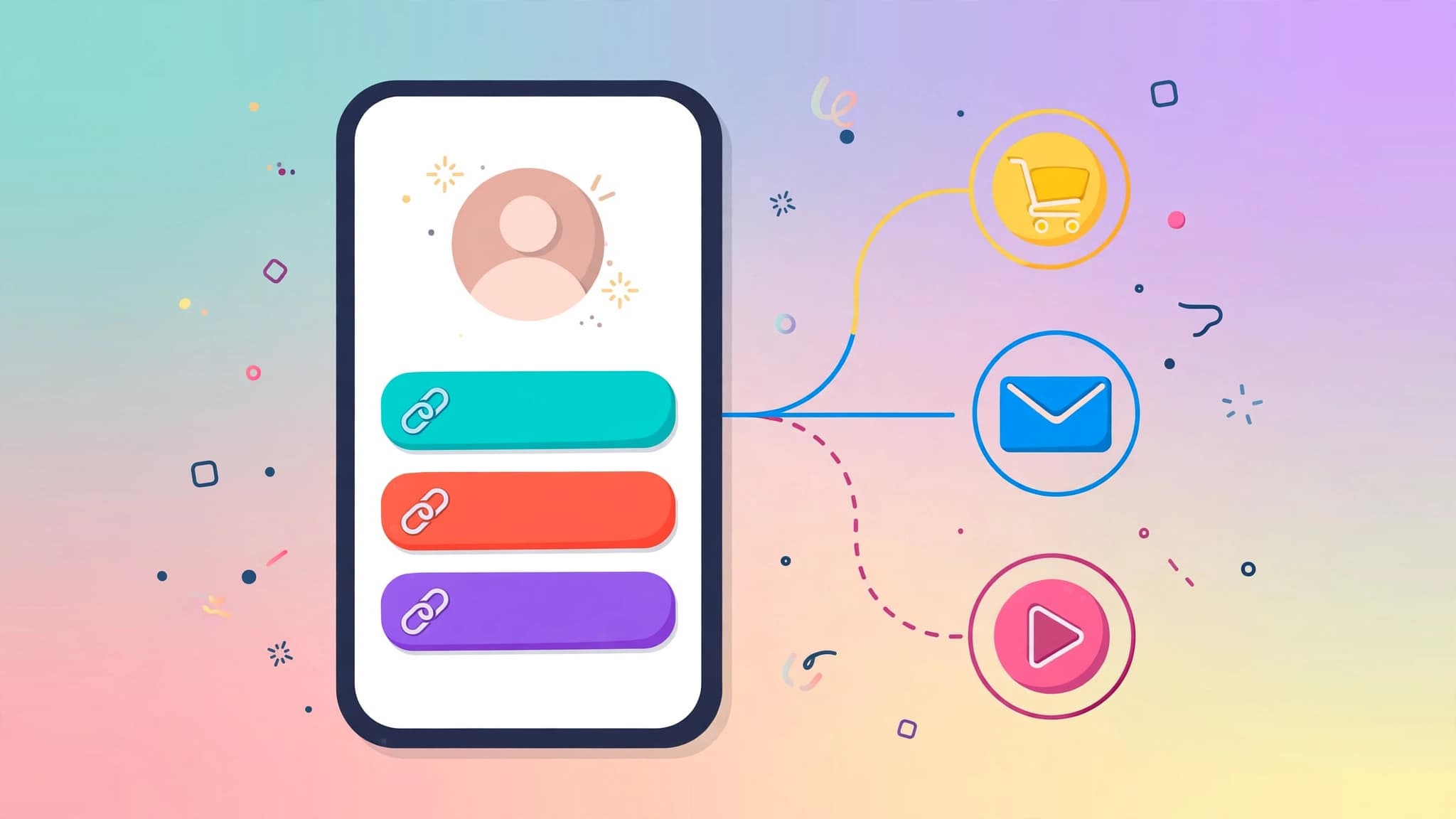
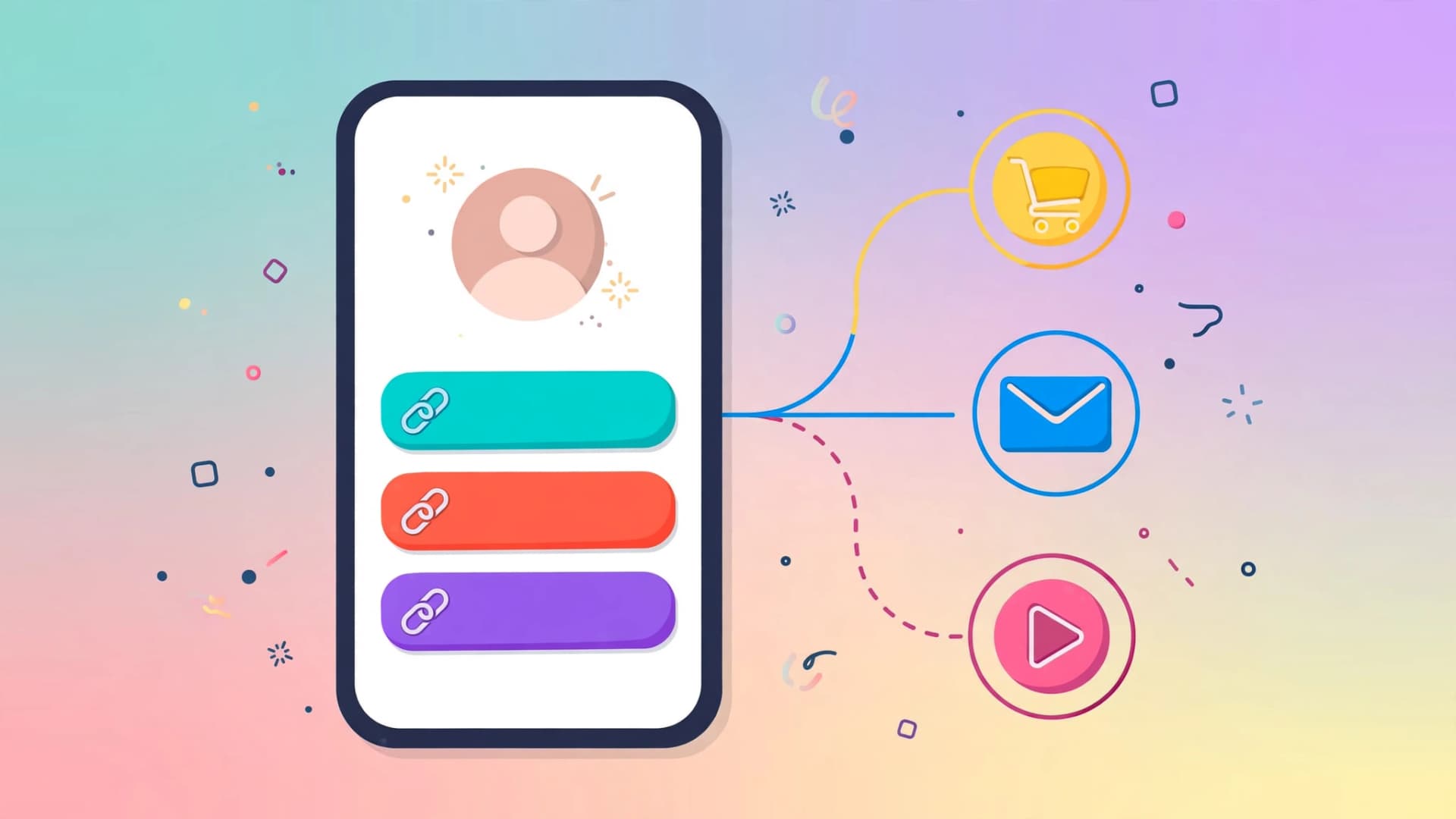
Instagram, TikTok, and X still give you exactly one clickable link in your profile. That single link has to route followers to your shop, your newsletter, your latest video, and your contact page — and the tools that do this job all claim to be "free." Some are genuinely free. Others are free until money moves, at which point a 9–12% cut appears on every sale.
This guide compares the seven link-in-bio tools with the most usable free plans in 2026, based on their current pricing pages and plan limits. Prices and tiers change often, so treat the specifics below as a snapshot and confirm on each vendor's site before you sign up.
What "free" actually means
Four different things get sold under the label "free":
- Free with their branding on it. Your page carries the tool's logo. Removing it costs money.
- Free until money moves. Browsing is free; the moment a follower buys something, a transaction fee — typically 9–12% — appears on top of card processing.
- Free but blind. You get the page but not the analytics. Some free plans show only recent clicks; others show none at all.
- Actually free. No badge, no caps, no cut. Rare, but it exists.
Also: "free for 14 days" is a trial, not free. If the signup form asks for a credit card, you already have your answer.
1. Linktree — the safe default
Linktree invented the category and remains the most recognisable option. Its free plan is genuinely usable: unlimited links, basic themes and button styles, total click and view counts, social icons, a QR code, and even the ability to sell digital products.
The catch is the fee. Selling on Linktree's free plan carries a 12% seller fee per transaction — the highest in this list — plus its own branding on your page. Paid tiers (Starter around $8/month, Pro around $15/month, Premium around $35/month, with prices rising in late 2025) drop the fee and unlock scheduling, email capture, and deeper analytics.
Pick Linktree if you want a simple multi-link page, nothing more, and you are not selling through it. For creators whose bio link is primarily a router to things they sell elsewhere, it is the fastest option to set up.
2. Beacons — best free monetisation
Beacons leans harder into making money. Its $0 plan lets you sell unlimited digital products with a 9% transaction fee, and the free tier also bundles built-in email marketing, analytics (views, clicks, click-through rate), and an AI media-kit builder. That combination — storefront plus mailing list plus media kit, all free — is the strongest creator bundle here.
The trade-off is page weight: Beacons pages are feature-heavy and load slower than minimal link lists. Paid tiers (Creator around $10/month, Creator Plus around $30/month with 0% fees, and up) add custom domains, courses, and memberships.
Pick Beacons if your bio link is a storefront: you sell digital products, want to capture emails, and pitch sponsors from one page.
3. Carrd — the real mini-website
Carrd is not strictly a link-in-bio tool; it builds simple one-page websites. Its free tier covers a few basic sites, and it is famously cheap on paid plans (Pro Standard around $19/year). There is no native store, but you get far more design control than any button-list tool offers: custom layouts, embeds, forms, and your own structure.
Pick Carrd if design control matters more than built-in commerce — for example a photographer or freelancer who wants the bio link to feel like a portfolio, not a menu of buttons. You build the commerce yourself by linking out to a shop.
4. Hopp by Wix — 0% fees on the free plan
Hopp by Wix stands out for one unusual promise: it advertises 0% transaction fees (card processing fees still apply everywhere). It also includes email list building on the free plan — something Linktree gates behind its $15/month Pro tier.
Pick Hopp if you plan to sell physical or digital products through your bio link and the 9–12% platform cuts of the big names feel wrong. The Wix ecosystem behind it is a plus if you already run a Wix site.
5. Milkshake — mobile-first editing
Milkshake is built for creators who edit entirely on their phones. The whole page is assembled in the mobile app as a series of swipeable cards, which suits an Instagram-native workflow. There is a free plan and a cheap Lite tier (around $2.99/month).
The limitations: phone-only editing means no desktop control panel, and analytics are thin on the free plan. Pick Milkshake if you are a creator who does everything from your phone and wants your bio page to look and feel like social content rather than a website.
6. Taplink — service businesses and forms
Taplink sits between a link list and a mini landing page. Its free Basic plan is a decent starter, and the platform is particularly strong on booking and order forms — appointment scheduling, lead capture forms, and payment buttons are its native territory.
The best features sit behind paid tiers, so the free plan works mainly as a clean hub. Pick Taplink if you are a service business — a coach, salon, consultant, freelancer — and your bio link's job is to convert visitors into booked calls and messages, not to host a link list.
7. Lnk.bio — cheapest paid upgrade
Lnk.bio is fast and lightweight: a simple link list with minimal overhead. Its free plan covers the basics, and if you ever outgrow it, the paid Mini tier (around $0.99/month) is the cheapest upgrade on this list.
Pick Lnk.bio if you want the absolute lightest page that loads instantly, and you like knowing the upgrade path costs less than a cup of coffee a year.
Quick comparison
- Simplest link list: Linktree (free, unlimited links, 12% sales fee)
- Sell + email + media kit free: Beacons (9% sales fee)
- Mini-website feel: Carrd (free tier, ~$19/year for Pro)
- 0% transaction fees: Hopp by Wix (free, includes email capture)
- Phone-only creator: Milkshake (free, ~$2.99/month Lite)
- Booking and forms: Taplink (free Basic)
- Lightest and cheapest upgrade: Lnk.bio (free, ~$0.99/month Mini)
How to structure your page
Tool choice matters less than structure. A few rules that work across all seven:
1. One promise-matching CTA at the top. A visitor arrives because a video or post created curiosity. The first button should complete that curiosity — "Get the free checklist from today's video," not "Welcome to my page."
2. Four to seven links maximum. Walls of buttons convert worse. Group secondary links into one "Everything else" section or drop them.
3. Put the money link second. After the promise-matching CTA, the next highest-priority item is whatever earns you money or subscribers — your newsletter signup or product.
4. Make the next step obvious on one screen. Most visitors never scroll a bio page. The screen that loads must communicate the single action you want.
One caution: bio links are passive
Bio links are a passive hub, not a delivery system. Industry analysis of creator campaigns consistently shows bio-link click-through in the low single digits, while direct mechanisms like story stickers or DM automation convert several times higher. Your bio page is infrastructure — necessary, cheap, and worth optimising — but it will not grow your audience by itself. Pair it with content that sends people there.