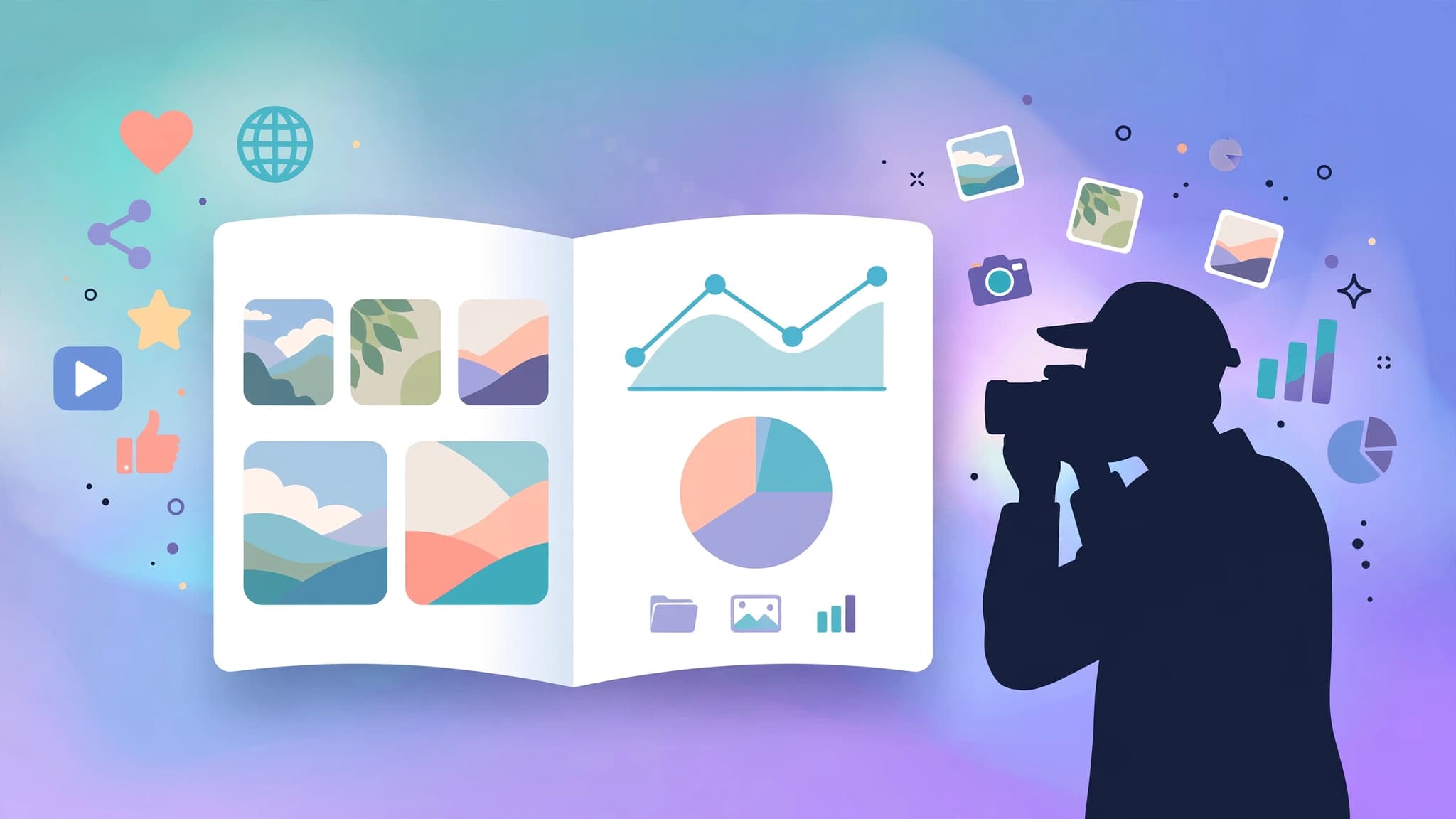
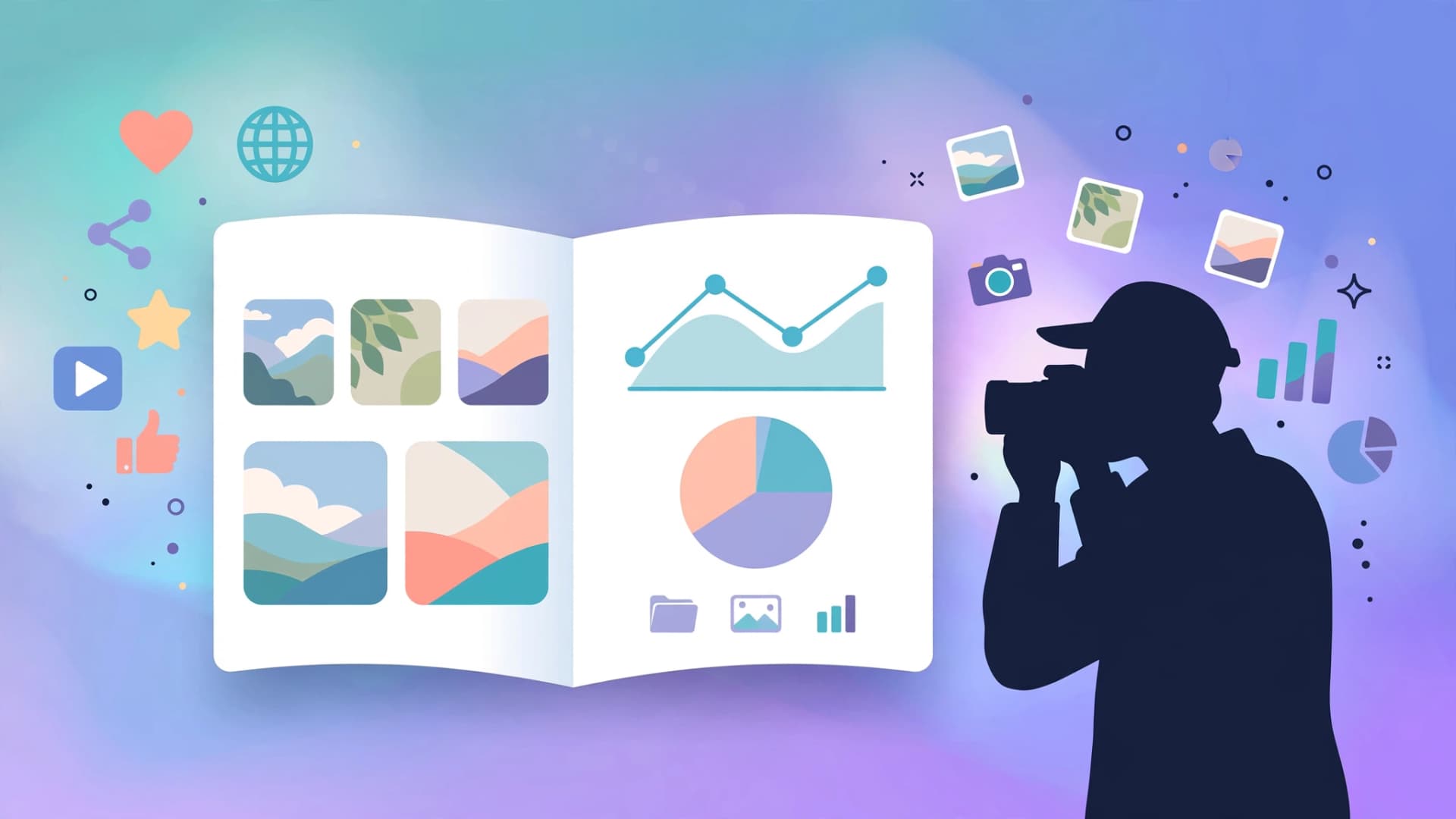
Brands do not check your DMs first. They ask for a media kit — one page that proves your audience is real and your content is worth paying for. These seven free media kit tools help creators build that page without hiring a designer or paying for a subscription, with honest notes on where each free plan ends.
What a media kit has to include
Before comparing tools, know what brands scan for. A working creator media kit fits on one or two pages and answers five questions: who you are (niche, platforms, bio), how big your audience is (followers, monthly views, engagement rate), who that audience is (age range, location, interests), what you have done before (past brand deals, testimonials), and what you charge (rates or "contact for pricing"). Miss the audience section and most brand managers stop reading — they are buying your followers' demographics, not your follower count.
Build the media kit once, then update the stats monthly. A kit with six-month-old numbers looks abandoned, and brands notice.
1. Canva — best for creators starting from scratch
Canva is the default answer for a reason. Its free plan includes a drag-and-drop editor, a huge library of ready-made media kit templates, millions of free photos and illustrations, and a free brand kit that keeps your colours and fonts consistent. Search "media kit" in the template library and you will find one-page and two-page layouts built specifically for influencers and YouTubers.
Download your kit as a PDF or share a live link. The paid tier starts around $12 a month, but the free plan covers everything a media kit needs — templates, uploads, and PDF export are all included free.
Best for: creators who want a polished one-pager in an afternoon with zero design skills.
2. Adobe Express — best Canva alternative with video
Adobe Express mirrors Canva's formula: free plan, browser and mobile apps, and a large template library for social and marketing graphics. Its differentiator is motion — you can export media-kit pages as short animated videos or MP4s, which suits video-first creators pitching on Instagram or TikTok.
The free version is genuinely usable and available on Windows, Mac, Android, and iOS. If you already use Adobe's ecosystem, the learning curve is zero.
Best for: video creators who want a media kit with animated pages or a motion-based intro.
3. Flipsnack — best for page-turning digital kits
Flipsnack turns a PDF into a page-flip digital publication with a modern flipbook reader. Its free plan costs nothing, needs no credit card, and never expires. You can upload PDFs up to 100 MB, create up to 5 flipbooks with 15 pages each, embed them on your site, and share them with a public link.
The catches on the free plan are real but fair: downloads carry a Flipsnack watermark, and there is no password-protected sharing or analytics. For a creator sending a link to a brand contact, the flipbook format looks premium — the reader experience is noticeably better than a flat PDF attachment.
Best for: creators who want their kit to feel like a mini-magazine when a brand opens the link.
4. Heyzine — best free flipbook without the watermark worry
Heyzine converts a PDF into an interactive flipbook with a genuinely free plan — no expiring trial. It supports links, video, audio, embedded forms, lead forms, QR codes, embedding, and a bookshelf view, with basic visitor stats and Google Analytics integration.
There is no watermarks drama for sharing: you build in Canva or Docs, export a PDF, upload it, and send the link. Multiple users per plan and custom subdomains are available on higher tiers, but a solo creator's media kit works fine on free.
Best for: creators who want a free flipbook link they can send forever without a trial countdown.
5. Issuu — best for discoverability (trial-based)
Issuu is the largest digital publishing platform of this group, which means your kit can be discovered by brand managers browsing the platform itself — a small but real bonus. The free option here is a trial rather than a permanent free plan, so treat it as a test run: publish your kit, see if the format works for you, then decide.
If you stay, paid plans unlock the full distribution and analytics. For creators, the takeaway is simple: Issuu is worth a trial for the reach, but do not build your only media kit somewhere with a clock on the free tier.
Best for: creators who want their media kit published on a platform brands already browse.
6. Yumpu — best quick PDF-to-link conversion (trial-based)
Yumpu's pitch is speed: upload a PDF, get a shareable multimedia publication link in minutes. Like Issuu, it is available as a free trial rather than a permanent free tier, so it fits the same workflow — test the link format, send it to a brand contact, and see how it performs before committing.
The multimedia angle matters for creators: embedded video and audio let a brand watch your content style without leaving your kit.
Best for: creators testing whether an interactive link format converts better than a static PDF.
7. Publuu — best feature-rich preview (14-day trial)
Publuu offers one of the more generous trial windows in this category — 14 days of premium features including links, video, images, GIFs, product tags, custom domains, and a virtual bookshelf. There is no permanent free plan, but two full weeks is enough to build a kit, send it to your current brand contacts, and measure responses.
It is best used strategically: time your trial around a pitch round so the premium format is live while brands are actually opening it.
Best for: creators running an active outreach campaign who want premium polish for two weeks.
Free media kit tools at a glance
| Tool | Free forever? | Best feature for creators |
|---|---|---|
| Canva | Yes | Ready-made media kit templates |
| Adobe Express | Yes | Animated/video media kit pages |
| Flipsnack | Yes (5 flipbooks, watermark on downloads) | Page-flip digital kit |
| Heyzine | Yes | Free interactive flipbook links |
| Issuu | Trial | Built-in publishing platform reach |
| Yumpu | Trial | Fast PDF-to-link conversion |
| Publuu | 14-day trial | Premium features during a pitch round |
How to build your kit in a weekend
Pick one tool from the permanent-free tier — Canva for templates, or Heyzine/Flipsnack if you want the flipbook format. Draft your content first in a plain document: bio under 100 words, your three strongest stats with screenshots, a one-paragraph audience breakdown, two to three past collaborations, and your rate card. Then drop it into the template.
Design discipline matters more than the tool. One accent colour, one headline font, generous white space, and real screenshots of your analytics dashboards (not rounded-up numbers — brands verify). Put your contact email on every page and name the PDF something a brand manager can find later, like "yourname-media-kit-2026.pdf".