A RAG chatbot lets you ask questions about your own documents and get accurate, sourced answers instead of hallucinations. Here is the good news: you can build a fully working one for free, on your own machine, with open-source tools — no credit card and no API bills required.
What a RAG Chatbot Actually Does
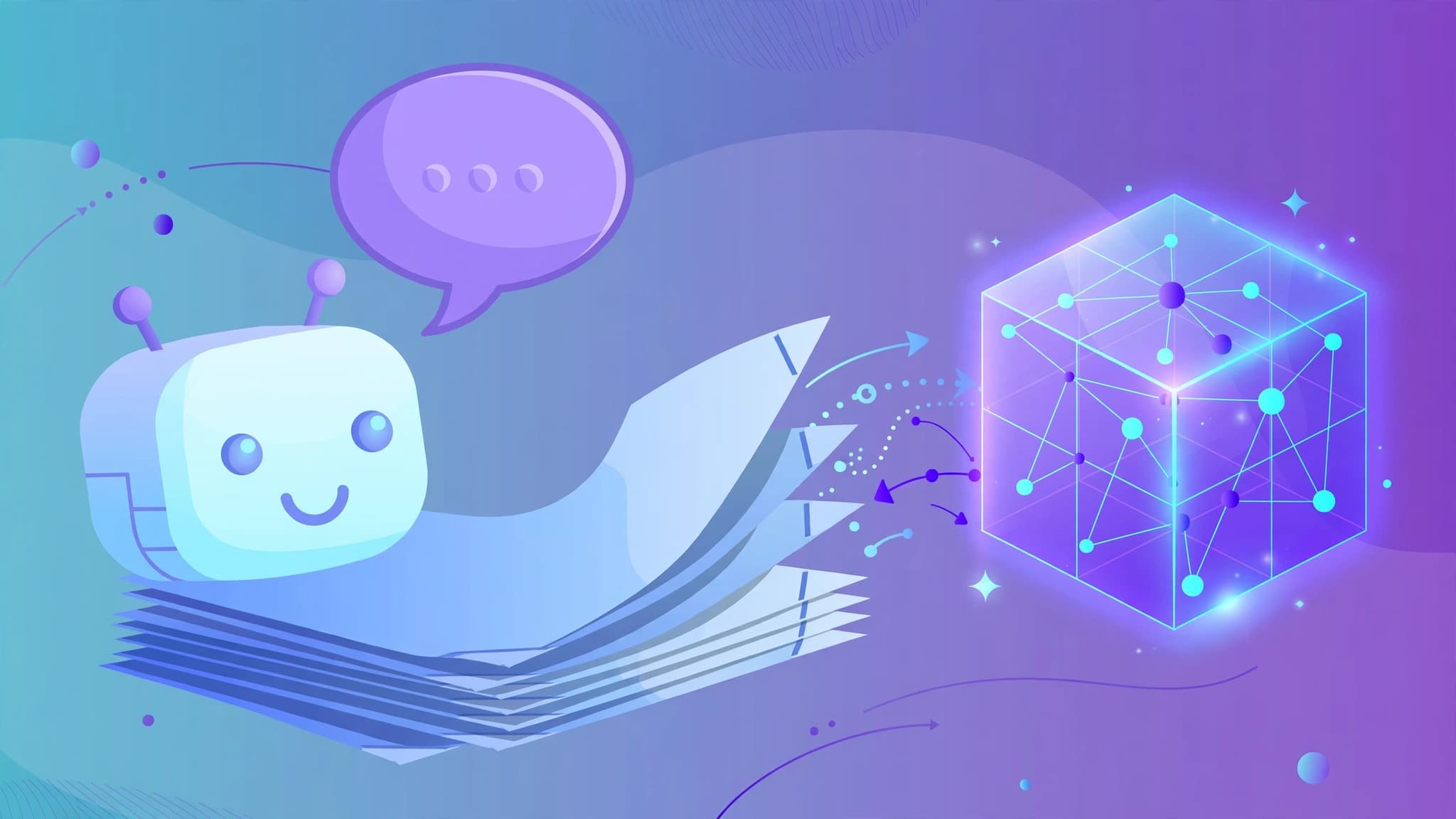
RAG stands for Retrieval-Augmented Generation. When you ask a question, the system does three things. First, it converts your question into an embedding — a vector of numbers that captures its meaning. Second, it searches a vector database for the document chunks whose embeddings are most similar. Third, it passes those chunks plus your question to a language model, which writes an answer grounded in your documents.
That is the whole architecture. Everything below is plumbing for these three steps.
The Free Stack
You need four components, and each has a solid free option:
- Framework: LangChain (free, open-source). LlamaIndex is a strong alternative if retrieval is your entire application; LangChain is more flexible if you want agents and tools later.
- Vector database: ChromaDB. It installs with pip, runs inside your Python process, persists to a local file, and needs zero configuration. Qdrant is the natural upgrade when you need production filtering and scale — also free and self-hostable.
- Embeddings: sentence-transformers with the all-MiniLM-L6-v2 model. It runs locally, costs nothing, and is fast enough for hundreds of thousands of chunks.
- LLM: Ollama running a local model such as Llama 3.1 8B, so nothing leaves your laptop. If you prefer a hosted option, Groq's free tier offers fast inference on open models like llama-3.1-8b-instant.
For the chat interface, Streamlit gives you a working UI in under 30 lines of Python — perfect for a first version.
Step 1: Set Up the Project
Create a folder and an isolated Python environment, then install the packages:
mkdir rag-chatbot && cd rag-chatbot
python -m venv venv
source venv/bin/activate        # Windows: venv\Scripts\activate

pip install langchain langchain-community langchain-core \
    langchain-huggingface chromadb sentence-transformers \
    streamlit pypdf ollama
Download a local model with Ollama (install Ollama from its official site first, then run):
ollama pull llama3.1:8bDrop a few PDF documents into a docs/ folder. These are the knowledge base your bot will answer questions about.
Step 2: Load and Chunk Your Documents
LLMs cannot ingest a 200-page PDF whole, so you split documents into chunks. A chunk size of about 1000 characters with 200 characters of overlap is a proven starting point — the overlap keeps sentences from being cut at chunk boundaries.
from langchain_community.document_loaders import PyPDFDirectoryLoader
from langchain_text_splitters import RecursiveCharacterTextSplitter

loader = PyPDFDirectoryLoader("docs/")
docs = loader.load()

splitter = RecursiveCharacterTextSplitter(
    chunk_size=1000, chunk_overlap=200
)
chunks = splitter.split_documents(docs)
print(f"Loaded {len(docs)} docs -> {len(chunks)} chunks")
Step 3: Embed and Store in ChromaDB
Each chunk is converted to an embedding vector and stored in ChromaDB. LangChain's wrapper makes this a one-liner:
from langchain_huggingface import HuggingFaceEmbeddings
from langchain_community.vectorstores import Chroma

embeddings = HuggingFaceEmbeddings(
    model_name="sentence-transformers/all-MiniLM-L6-v2"
)

vectorstore = Chroma.from_documents(
    documents=chunks,
    embedding=embeddings,
    persist_directory="./chroma_db",
)

retriever = vectorstore.as_retriever(search_kwargs={"k": 5})
The k=5 setting means the retriever returns the five most similar chunks for every question. Persisting to ./chroma_db means you only pay the embedding cost once — on later runs, load the existing database instead of rebuilding it.
Step 4: Wire the Retrieval Chain
Now connect retrieval to the local LLM with a prompt that forces grounded answers:
from langchain_ollama import ChatOllama
from langchain_core.prompts import ChatPromptTemplate
from langchain_core.output_parsers import StrOutputParser
from langchain_core.runnables import RunnablePassthrough

llm = ChatOllama(model="llama3.1:8b")

template = """Answer the question using ONLY the context below.
If the answer is not in the context, say so honestly.

Context:
{context}

Question: {question}
"""

prompt = ChatPromptTemplate.from_template(template)

def format_docs(docs):
    return "\n\n".join(doc.page_content for doc in docs)

chain = (
    {"context": retriever | format_docs, "question": RunnablePassthrough()}
    | prompt
    | llm
    | StrOutputParser()
)

print(chain.invoke("What is the refund policy?"))
The "answer only from context" instruction is the single most effective anti-hallucination measure you have. Without it, the model will happily answer from its training data and you will never notice.
Step 5: Add a Chat UI With Streamlit
Wrap the chain in a minimal chat interface:
import streamlit as st

st.title("Document Q&A Bot")

if "history" not in st.session_state:
    st.session_state.history = []

for role, text in st.session_state.history:
    st.chat_message(role).write(text)

question = st.chat_input("Ask about your documents...")
if question:
    st.chat_message("user").write(question)
    with st.spinner("Searching documents..."):
        answer = chain.invoke(question)
    st.chat_message("assistant").write(answer)
    st.session_state.history.append(("user", question))
    st.session_state.history.append(("assistant", answer))
Run it with streamlit run app.py and you have a working RAG chatbot in your browser.
Five Ways to Get Better Answers
1. Tune chunk size for your documents. Dense technical docs do better with 500–800 character chunks; narrative documents tolerate 1500. If answers miss obvious facts, your chunks are probably too large.
2. Clean your sources. Tables, headers, footers, and scanned-image PDFs degrade retrieval. IBM's Docling is a free tool that converts messy PDFs into structured text with layout preserved.
3. Show citations. Return the retrieved chunk's source filename and page number alongside the answer so users can verify. ChromaDB stores this metadata automatically from the document loader.
4. Evaluate with RAGAS. The free, open-source RAGAS library measures faithfulness and context precision — how grounded your answers are and whether retrieval fetched the right chunks. Run it on a set of 20–30 known question/answer pairs before you trust the bot.
5. Cache embeddings. Embeddings are deterministic: the same text always produces the same vector. Persist the ChromaDB directory and never re-embed unchanged documents.
Going Beyond the Basics
When your prototype outgrows ChromaDB, switch the vector store to self-hosted Qdrant (a docker run command away) for richer metadata filtering and better performance at scale. If you need a hosted model with higher quality, swap the Ollama model for a Groq or OpenAI endpoint — the LangChain abstraction means changing one class, not rewriting the pipeline. And if you want a no-code path entirely, Dify bundles RAG pipelines with a visual builder.
Key takeaways
- A RAG chatbot is three steps: embed the question, retrieve similar document chunks, generate an answer from them.
- LangChain + ChromaDB + sentence-transformers + Ollama gives you a completely free, fully local stack.
- Chunk documents at ~1000 characters with overlap, retrieve the top 5 chunks, and instruct the LLM to answer only from context.
- Streamlit turns the retrieval chain into a chat UI in minutes.
- Evaluate grounding with RAGAS and show source citations before trusting the bot with real users.