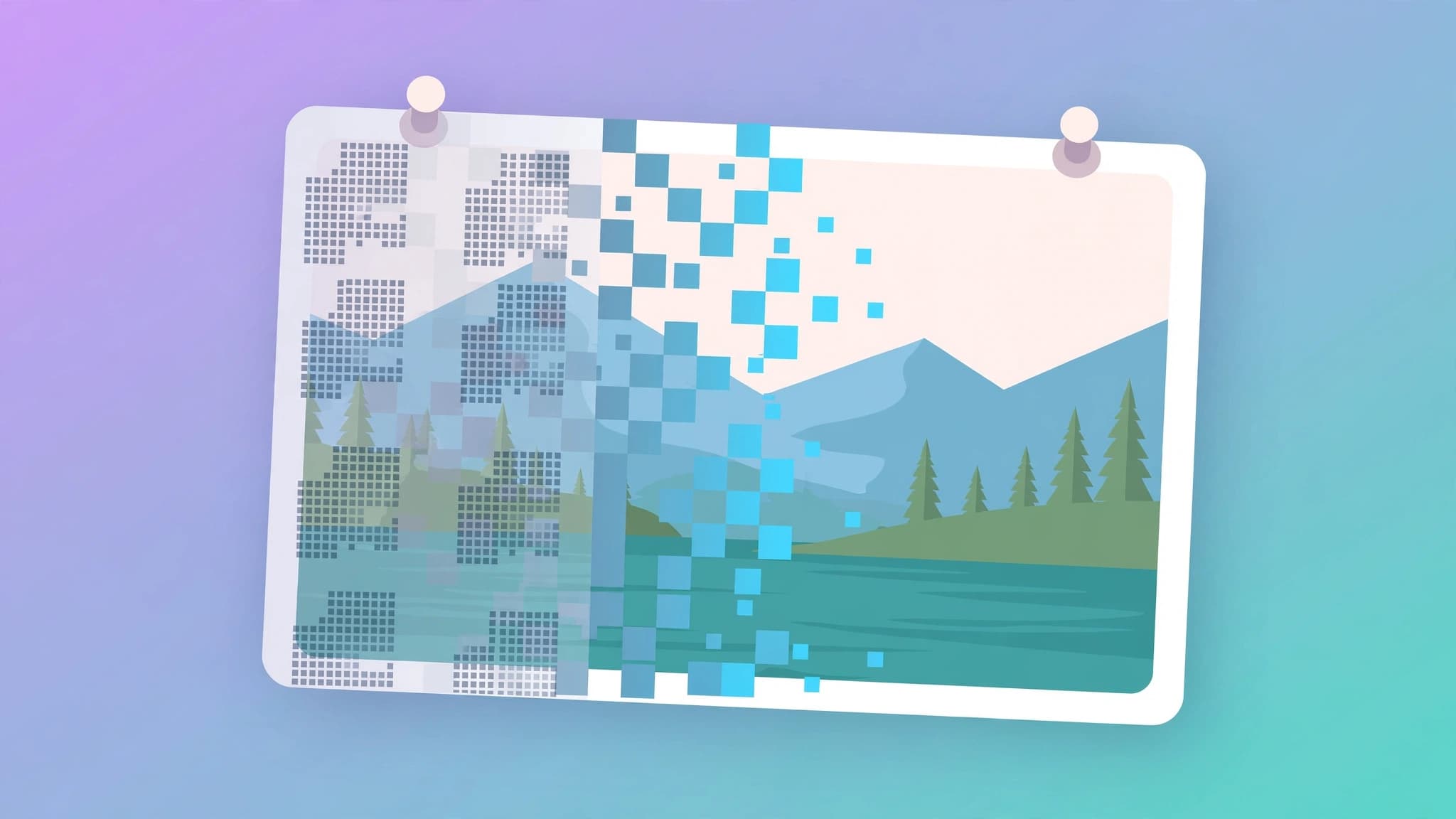
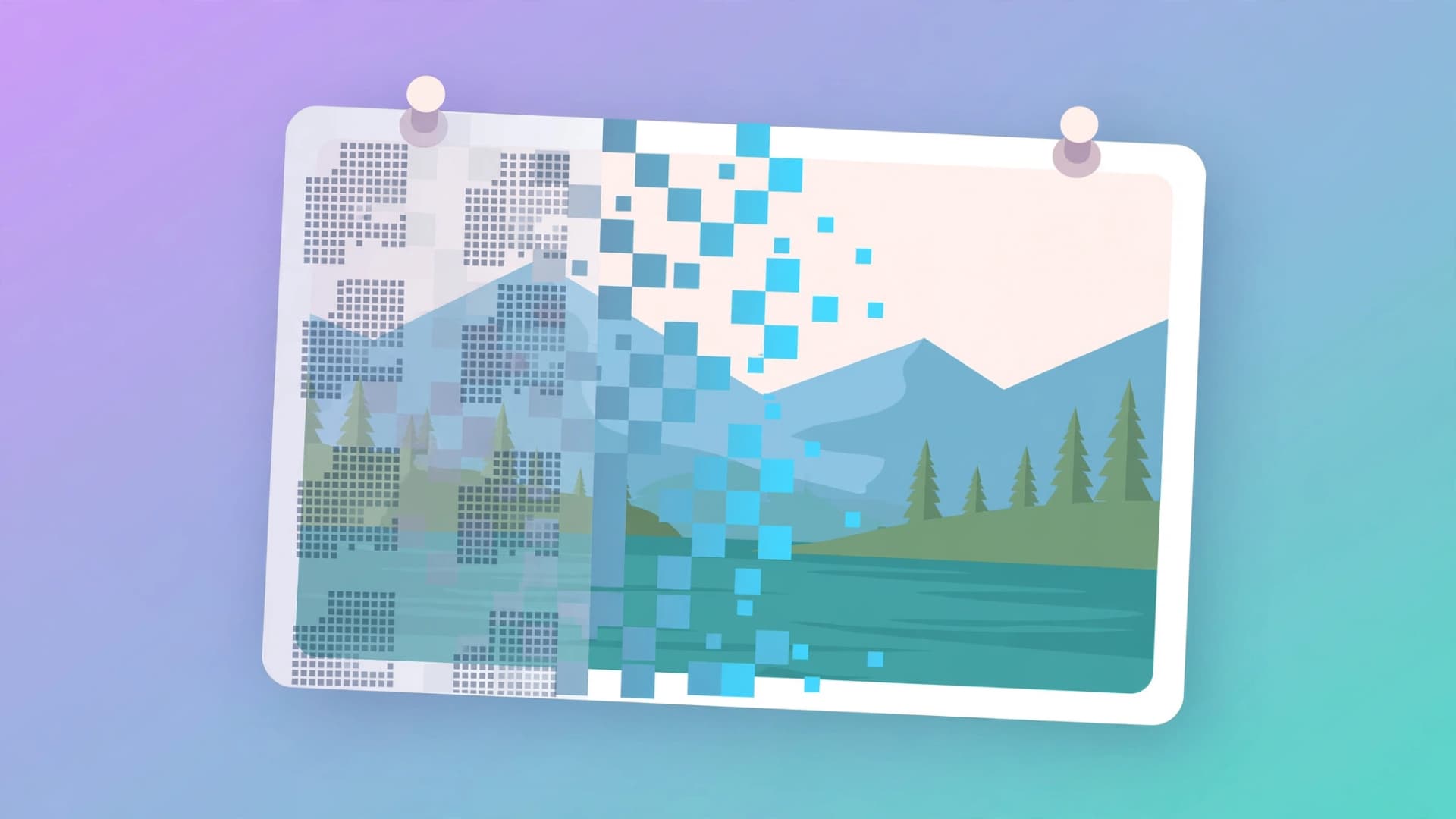
Stock-photo previews, old editing apps, and dated logos can leave watermarks stamped across otherwise good photos. Modern AI watermark removers detect those marks automatically and reconstruct the background underneath in seconds — no Photoshop skills needed. This guide shows how to remove watermarks from photos free, which tools actually work, and the legal rules you must respect before you start.
The One Rule: Only Remove Watermarks From Photos You Have Rights To
Before touching any tool, this matters more than technique. Removing a watermark from a stock photo you never licensed is copyright infringement — the watermark is the rights-holder's protection, and stripping it does not make the image yours. Legitimate uses include: watermarks left by an editing app on your own photos, marks on images you shot and shared, branded overlays from a tool you used on your own content, and stock previews you have since licensed. When in doubt, buy the license instead of removing the mark. Everything below assumes you own or have rights to the photo.
How AI Watermark Removers Actually Work
Traditional removal meant cloning pixels by hand. AI tools take a different approach: a neural network trained on millions of images first detects the watermark (text, logo, date stamp, or semi-transparent overlay), then uses content-aware inpainting or generative fill to predict what the hidden background should look like. The model rebuilds texture, gradients, and patterns rather than smearing nearby pixels, which is why AI removers handle complex backgrounds — foliage, fabric, skin — far better than old clone-stamp workflows.
Quick Comparison: Best Free Options
| Tool | Auto detection | Best for | No sign-up |
|---|---|---|---|
| WatermarkRemover.io | Yes | Fast one-click removal | Yes |
| Cleanup.pictures | Manual brush | Precise control | Yes |
| Dewatermark.ai | Yes | Diagonal/semi-transparent overlays | Yes |
| PicWish | Yes | Complex backgrounds | Yes |
| Unwatermark.ai | Yes | Quick batch-free single edits | Yes |
| Adobe Firefly | Generative Fill | Pro-grade results on tricky textures | No |
1. WatermarkRemover.io — Fastest One-Click Removal
WatermarkRemover.io is the simplest free AI watermark remover online: upload a photo and it detects text, logos, and stamps automatically. It supports JPG, PNG, WebP, and HEIC, processes images in seconds, and needs no sign-up.
How to use it:
1. Go to watermarkremover.io and click Upload Image.
2. Select your photo (JPG, PNG, WebP, or HEIC).
3. Wait for the AI to auto-detect and remove the watermark.
4. Compare the before/after preview, then click Download.
It handles simple text and semi-transparent marks best. Large logos covering detailed textures may need a second tool for cleanup.
2. Cleanup.pictures — Best for Precise Manual Control
When automatic detection misses a mark, Cleanup.pictures lets you brush over the watermark yourself while AI handles the reconstruction. Free exports go up to 720p, which is fine for web and social media use.
How to use it:
1. Open cleanup.pictures and drop your image in.
2. Set the brush size and paint over the watermark.
3. The AI fills the area automatically — adjust the brush for stubborn edges.
4. Download the result (no sign-up required).
This is the best fallback when a watermark sits on a busy background that auto-detect tools struggle with.
3. Dewatermark.ai — Best for Semi-Transparent Overlays
Dewatermark.ai specializes in the diagonal, semi-transparent watermarks that stock-photo sites layer across previews. It supports JPG, PNG, WebP, and AVIF, needs no sign-up, and exports at HD resolution.
How to use it:
1. Upload your photo to dewatermark.ai.
2. Let the deep-learning model detect the overlay pattern.
3. Review the result and download the HD output.
It works especially well on repeating watermark grids where the same faint logo appears across the whole frame.
4. PicWish — Best All-Rounder for Complex Backgrounds
PicWish combines auto detection with manual cleanup and smart background fill, making it strong on textured or gradient backgrounds that simpler tools botch. The free tier covers watermark removal alongside its broader photo-editing suite.
How to use it:
1. Open PicWish's watermark remover and upload your photo.
2. Use the automatic mode, or switch to manual for tricky areas.
3. Refine edges with the brush if needed, then download.
Pick PicWish when the watermark crosses patterned or textured areas like clothing, wallpaper, or foliage.
5. Unwatermark.ai — Best No-Signup Single-Image Tool
Unwatermark.ai is fully automatic and requires no sign-up: upload an image up to 18 MB (PNG, WebP, JPEG, JPG, or via image URL), and it processes the watermark in seconds. You get a side-by-side comparison before downloading, with no blurred patches covering the removed area.
How to use it:
1. Go to unwatermark.ai and upload your image or paste an image URL.
2. Wait a few seconds for automatic processing.
3. Compare the original and cleaned versions, then download.
Note that it handles images only — video watermark removal lives on a separate paid tool.
6. Adobe Firefly — Best for Tricky, Professional Results
For watermarks on detailed textures where every other tool leaves artifacts, Adobe Firefly's Generative Fill (inside Adobe Express or Photoshop) is the pro-grade option. Describe the area to replace, and Firefly generates new background content that matches lighting and perspective. It requires an Adobe account and free monthly credits apply, but the quality ceiling is the highest here.
How to use it:
1. Open your photo in Adobe Express or Photoshop.
2. Select the watermark area with the selection tool.
3. Choose Generative Fill and describe the background (or leave it blank for automatic fill).
4. Pick the best of the generated variations and export.
Tips for the Cleanest Results
- Smaller watermarks clean up better. A small corner logo disappears almost perfectly; a giant centered stamp on a face will always leave hints.
- Simple backgrounds are easy. Sky, walls, and blurred backgrounds reconstruct flawlessly. Detailed textures need PicWish or Firefly.
- Work at full resolution. Upload the highest-resolution original you have — low-quality inputs amplify artifacts.
- Combine tools when needed. Auto-detect first with WatermarkRemover.io, then touch up leftovers with Cleanup.pictures' brush.
- Check your export quality. Free plans cap export resolution (often 720p or HD); paid tiers unlock full-res exports.
- Keep your licensed originals. If you licensed a stock photo, download the clean version from the stock site instead of cleaning the preview.
Frequently Asked Questions
Can I remove watermarks from photos for free?
Yes. WatermarkRemover.io, Cleanup.pictures, Dewatermark.ai, PicWish, and Unwatermark.ai all offer free watermark removal with no sign-up. Export resolution and daily limits vary by tool.
Will AI removal damage image quality?
Modern tools preserve quality well on small watermarks over simple backgrounds. Large marks over detailed textures can leave minor artifacts that need manual cleanup or Adobe Firefly's Generative Fill.
Is removing a watermark from a stock photo legal?
Only if you have a license for the image. Removing a watermark from an unlicensed stock photo is copyright infringement. Legitimate cases include your own photos, app watermarks on your content, and images you have licensed.
Do these tools work on videos?
Most free photo tools do not. HitPaw and AirBrush offer video watermark removal, but full use typically requires a paid plan.
Key takeaways
- Only remove watermarks from photos you own or have licensed — stripping marks from unlicensed stock images is infringement.
- AI removers detect the mark and reconstruct the background with inpainting or generative fill, beating manual clone tools.
- WatermarkRemover.io is the fastest free one-click option; Cleanup.pictures is best for manual precision.
- Dewatermark.ai handles diagonal overlays; PicWish excels on complex backgrounds; Unwatermark.ai needs no sign-up.
- Adobe Firefly's Generative Fill gives the highest quality for tricky textures.
- Combine tools and work at full resolution for the cleanest results.