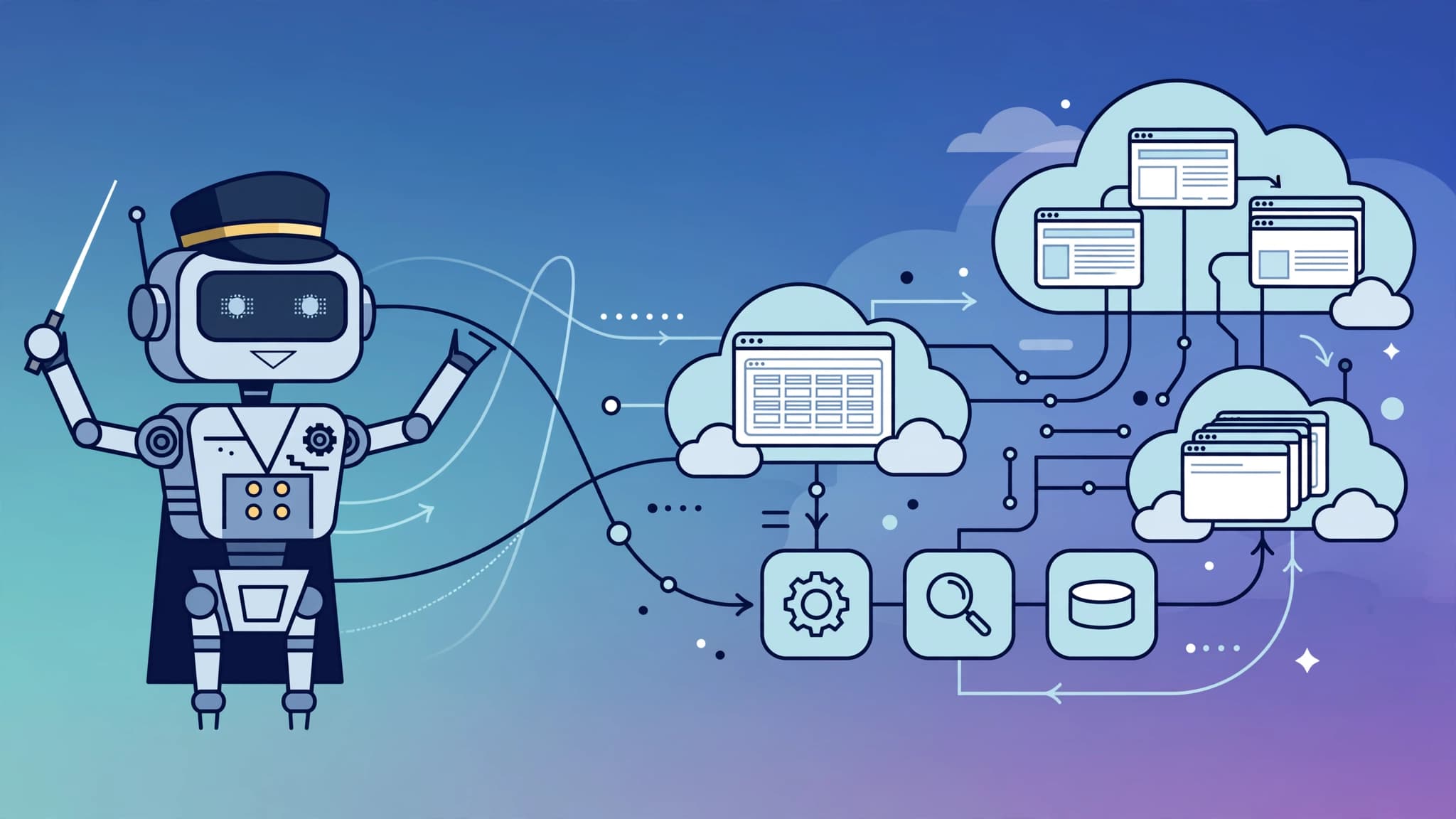
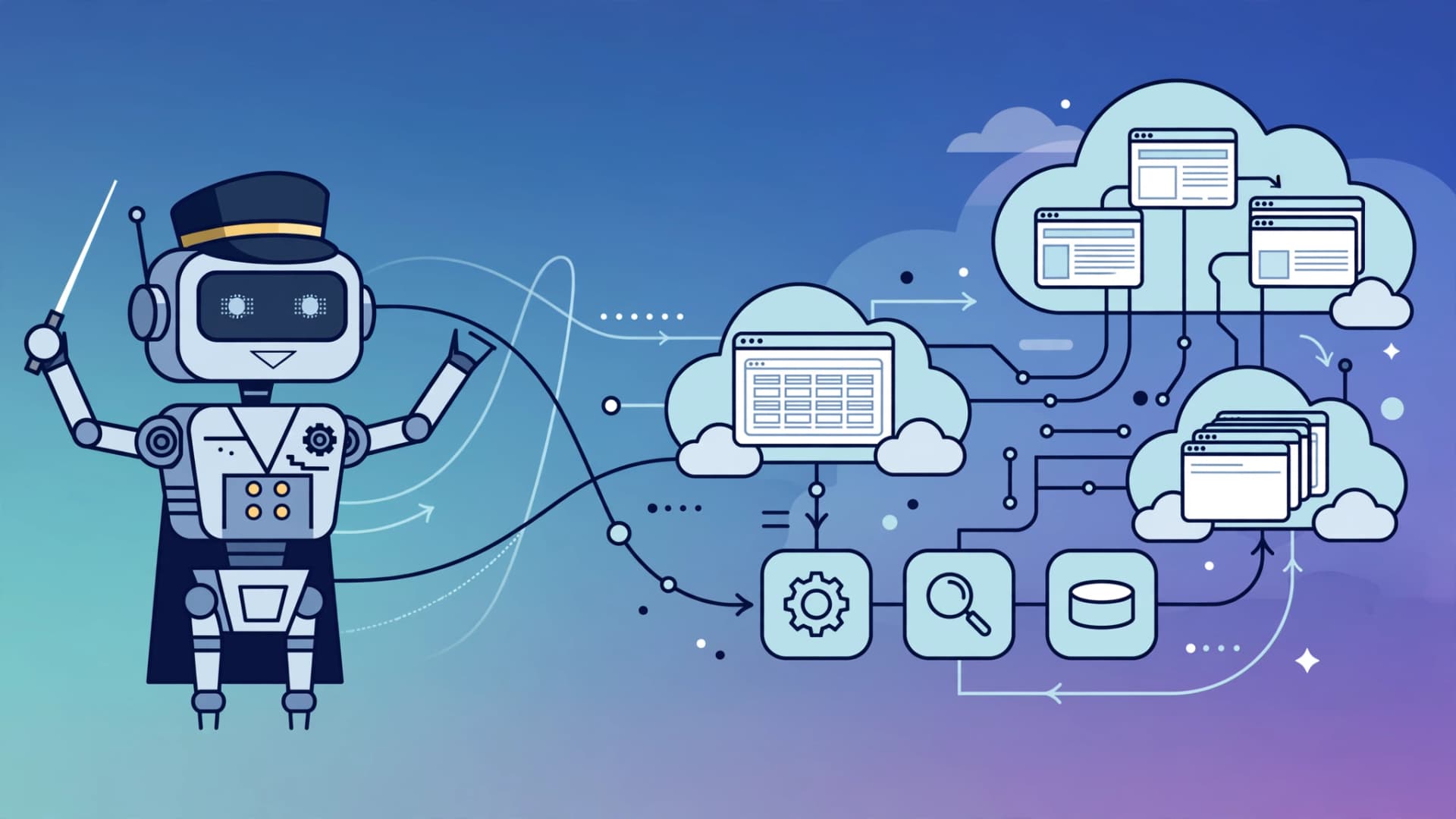
OpenAI's Agents API entered public beta on September 10, 2026, replacing the Assistants API, which sunset on August 26. It gives you a managed runtime for cloud agents: OpenAI runs the Codex harness, handling sessions, orchestration, context compaction, and recovery, while your app supplies the tools and picks the execution environment. This guide walks through the full workflow from first API call to a running production agent.
What the Agents API actually is
Before this API existed, teams built agent loops themselves on top of the Responses API: prompt orchestration, tool-call routing, session persistence, context trimming, and error recovery all lived in application code. The Agents API absorbs that harness layer. OpenAI's platform changelog describes it plainly: build agents with a managed Codex harness while OpenAI handles session orchestration, context compaction, and recovery.
The API is organized around four building blocks: agents (model, instructions, and tools), environments (optional sandboxes), sessions (durable work instances), and events/items (the live and saved records of what happened). Every agent you build follows this same shape. Pricing follows the same model: there is no separate platform fee — you pay standard token rates for whichever model you select, plus standard rates for any tools, MCP connections, or hosted sandboxes the agent touches.
Prerequisites
You need an OpenAI developer account, an API key with access to the Agents API beta, and Node.js 18+ for the JavaScript examples. The examples below use the official SDK. Install it first:
npm install openaiSet your key in the environment:
export OPENAI_API_KEY="sk-your-key-here"You will also want a sandbox provider if you plan to give the agent a place to execute code. OpenAI supports OpenAI-hosted sandboxes, self-hosted infrastructure, and partner sandboxes including Blaxel, Cloudflare, Daytona, DigitalOcean, E2B, Modal, Oracle, Runloop, and Vercel.
Step 1: Create a session
A session is a durable work instance. You create it with a single API call specifying the agent, its environment, its tools, and the input:
import OpenAI from "openai";

const client = new OpenAI();

const session = await client.beta.agents.sessions.create({
  agent: {
    model: "gpt-6-astra",
    tools: [
      {
        type: "mcp",
        server_label: "observability",
        transport: {
          type: "http",
          server_url: "https://observability.example.com/mcp",
        },
      },
    ],
    multi_agent: { enabled: true, max_concurrent_subagents: 3 },
  },
  vault_ids: ["vault_YOUR_VAULT_ID"],
  environment: {
    type: "openai_hosted",
    capability_directories: ["/workspace/capabilities/skills"],
  },
  input:
    "Investigate service-api's elevated 5xx rate over the last 30 minutes. " +
    "Delegate deployment, error, and dependency analysis to subagents. " +
    "Save findings, evidence, and recommended mitigation in /workspace/outputs.",
});
This is the core workflow pattern: task, model, tools, and environment in one call. OpenAI hosts and maintains the harness — you focus on the tools, knowledge, and workflows that make your agent unique.
Step 2: Choose the execution environment
The environment decides where the agent's code actually runs. You have three families of options:
- OpenAI-hosted (type
"openai_hosted"): OpenAI manages the sandbox. Attach capability directories such as/workspace/capabilities/skillsto give the agent persistent skills. - Self-hosted (type
"self_hosted"): runs on your own infrastructure. The create call returns an environment ID and a session-specific remote URL; your executor dials out to OpenAI and registers as the environment. - Partner sandboxes: Blaxel, Cloudflare, Daytona, DigitalOcean, E2B, Modal, Oracle, Runloop, and Vercel. Daytona publishes an end-to-end pattern where a Debian sandbox running the Codex CLI executes inside the session workspace.
For a first run, OpenAI-hosted is the simplest path. Move to self-hosted or a partner sandbox when you need data locality, custom images, or tighter cost control.
Step 3: Attach tools and vaults
Tools are how the agent acts on the world. The beta supports function tools and MCP servers natively — the example above wires an observability MCP server over HTTP. Give each tool a narrow contract: a clear server label, a defined transport, and the minimum permissions the task requires.
Vaults (referenced via "vault_ids") carry secrets and credentials into the run without embedding them in prompts or code. Never write API keys into instructions or session input; pass them through the vault mechanism instead.
Step 4: Send input, stream events, and delegate
Once the session exists, you send input and follow its events. A session lifecycle looks like this:
1. Create the session with the agent definition and environment.
2. Start the environment and wait for it to connect (the session reports readiness through environment state).
3. Send the input and stream the agent's output as events arrive.
4. Delete the session and sandbox in a finally block when the run completes.
For multi-agent delegation, enable the multi_agent option on the agent. The main agent breaks complex work into independent pieces, delegates them to parallel subagents — each with its own context — and coordinates the results. OpenAI's showcase apps from the beta use exactly this pattern: an incident-response bot, a Slack investigator, a read-only SQL data analyst, and a GitHub issue investigator.
The runtime also handles long-running sessions for you. As a session approaches its context limit, automatic context compaction summarizes earlier context so long workflows continue across context windows without you implementing compaction logic yourself.
Step 5: Add browser computer-use tasks
At OpenAI's DevDay on September 29, 2026, a browser-based computer-use capability was added to the Agents API. It lets agents run browser tasks in an OpenAI-hosted environment while you keep control over website access, sign-in, and result verification.
The pattern is deliberate: add a computer-use tool and enable a desktop in the hosted environment, create a session, follow its events, send the task, and handle website access requests as they arise. If a site requires authentication, your application manages the sign-in process. After the agent finishes, verify the results, review the browser activity, and delete the session. OpenAI's documentation stresses this is part of the Agents API application platform — not a new foundation model — and availability is tied to specific product plans, so check the API guide for setup details.
Step 6: Clean up and watch the context window
Always delete the session and its sandbox when the run ends. Managed runtimes charge for the resources they consume, and orphaned sandboxes accumulate silently. Wrap the whole workflow in try/finally semantics: create, connect, run, stream, then delete.
On long workflows, rely on the runtime's context compaction but design for it. Because compaction summarizes earlier turns automatically, give the agent explicit instructions to save durable outputs — findings, evidence, recommended mitigations — to a stable path like /workspace/outputs so nothing critical lives only in the summarized conversation.
The no-API alternative: trigger Workspace Agents
If you do not want to write API code at all, the Workspace Agents API is the programmatic sibling: a trigger request carries the message text passed to a workspace agent plus an optional caller-defined conversation key that continues the same conversation across trigger events. Workspace agents themselves are built through a conversational builder inside ChatGPT, tested before publishing, scheduled to run on a recurring schedule, and shared with the workspace. This route suits team workflows in ChatGPT Business or Enterprise; the Agents API suits developer-controlled, code-driven agent products.
Agents API vs the open-source Agents SDK
Do not confuse the managed Agents API with the open-source Agents SDK. The SDK (pip install openai-agents) is a lightweight Python library for building agent loops yourself: you define an Agent, run it with Runner, add tools, handoffs, guardrails, and sessions, and you own the harness code. Use the SDK when you want full manual control, a provider-agnostic history, or a small agent topology that lives inside your application. Use the Agents API when you want OpenAI to operate the harness, own long-running session lifecycles, and run the execution environment for you.
Key takeaways
- The Agents API entered public beta on September 10, 2026 and replaced the Assistants API, which sunset on August 26.
- Build an agent in one call: specify task, model, tools, and environment via
client.beta.agents.sessions.create(). - Environments can be OpenAI-hosted, self-hosted, or provided by partners like Daytona, E2B, Modal, and Vercel.
- The runtime owns sessions, orchestration, context compaction, and recovery; you own tools, knowledge, and workflow design.
- Multi-agent delegation, MCP tool servers, vault-based secrets, and browser computer-use (added at DevDay 2026) are first-class capabilities.
- Always delete sessions and sandboxes in a
finallyblock, and have the agent persist durable outputs to disk before context compaction can summarize them.