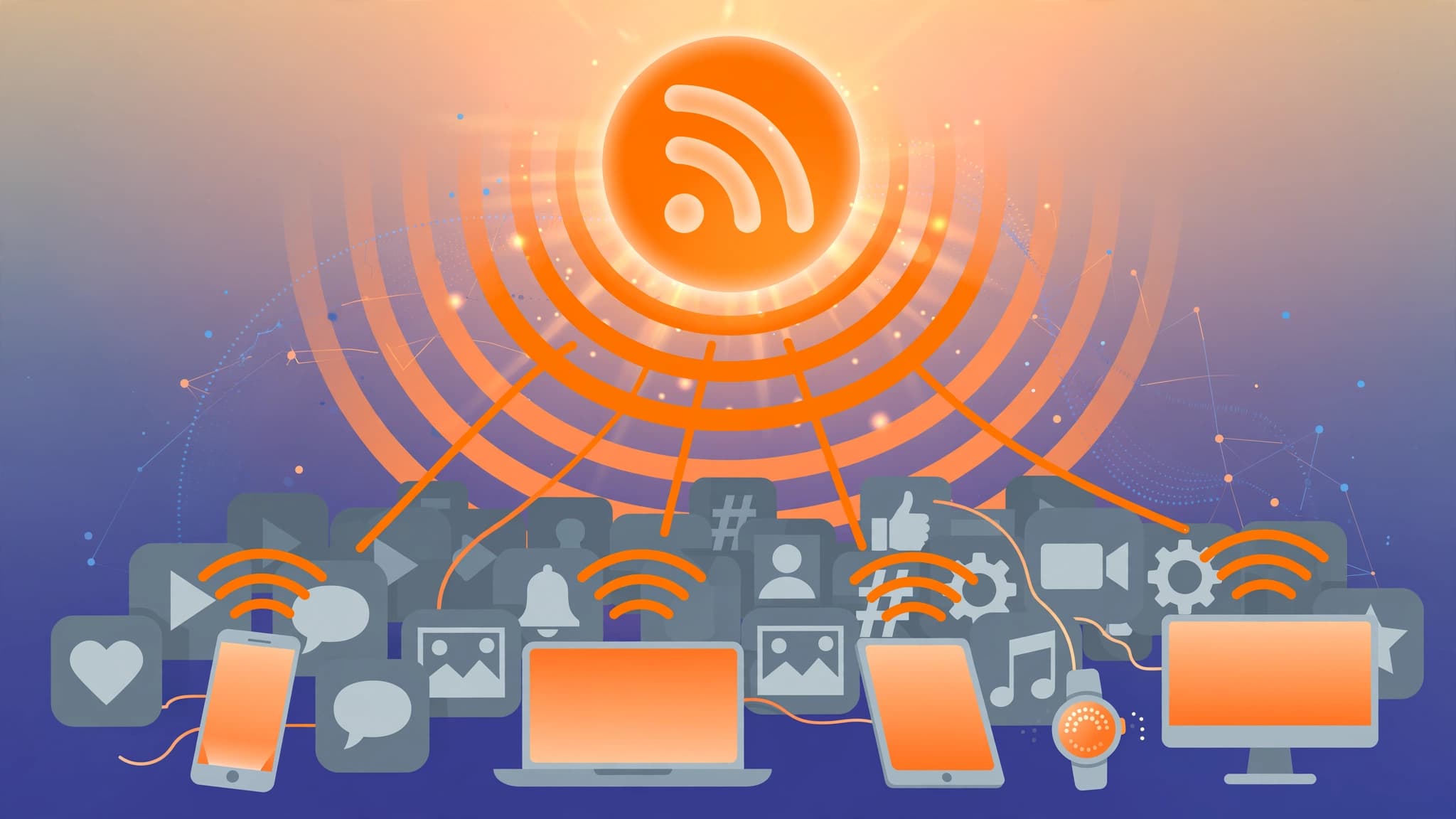
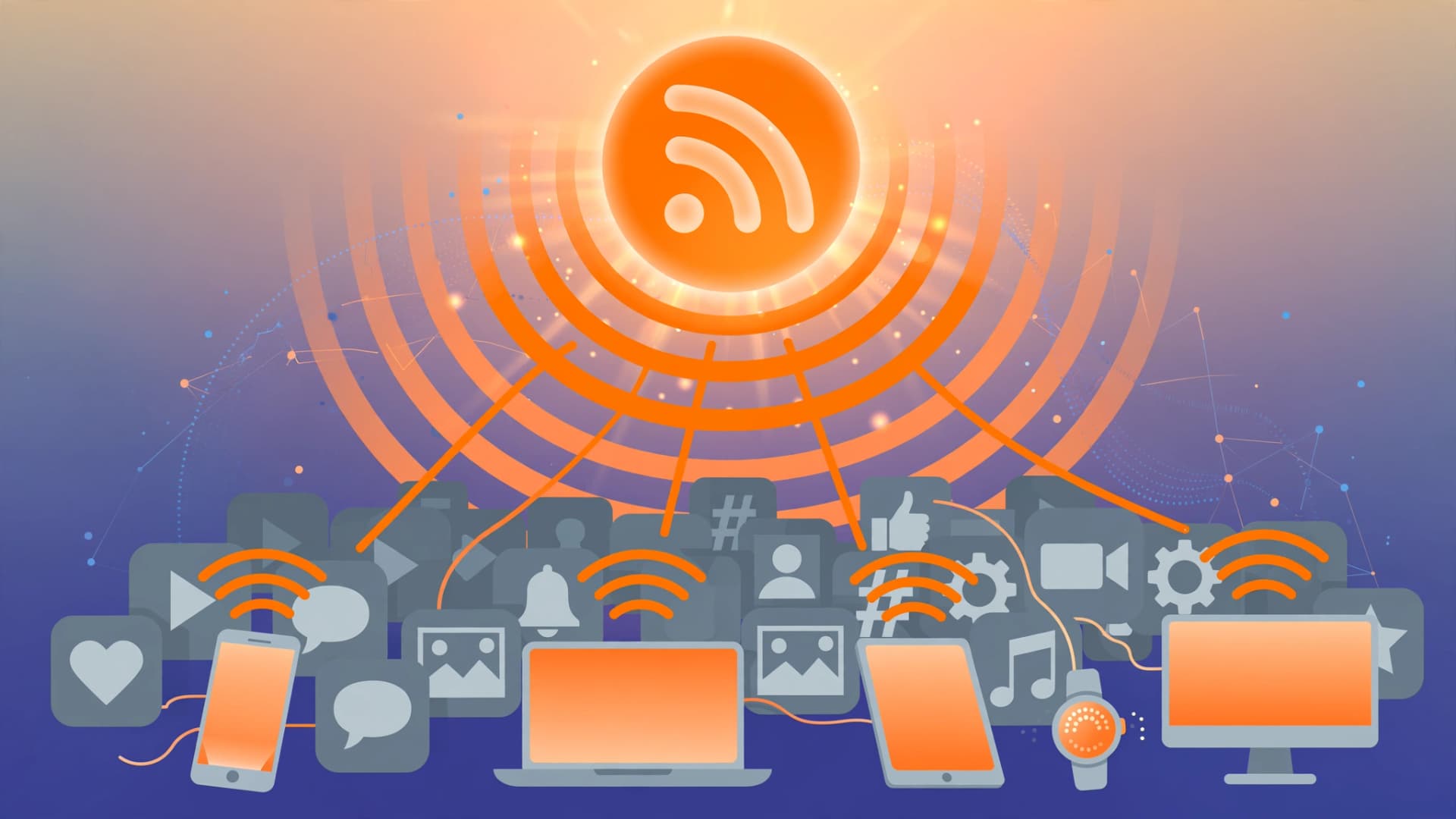
The orange RSS icon was declared dead more than a decade ago. Yet in 2026, RSS readers are quietly surging as users walk away from algorithmic timelines. RSS never really went away — podcasting still runs on it — but the reasons for its comeback are sharper than ever: privacy, control, and feeds that show you what you asked for, nothing more.
What RSS actually is
RSS (Really Simple Syndication) is an open web standard from the late 1990s. Websites publish an RSS feed — a simple list of their latest articles, updated automatically. You subscribe to feeds in an RSS reader, which checks them on a schedule and presents every new item in chronological order.
There is no algorithm deciding what you see. No engagement-bait boosted because it keeps you scrolling. No ad targeting. A feed is a feed: the publisher posts, and you read it.
It peaked in the early 2000s, then faded as social media took over. Google Reader's shutdown in 2013 was treated as its obituary. But podcast apps never dropped RSS, blogs kept their feeds, and a loyal base of power users carried on.
Why RSS is back in 2026
Several pressures converged to pull RSS back into the spotlight:
Algorithm fatigue
Social feeds have become hostile to anyone using them for information. X's algorithm is unreliable for professional content, Meta has deprioritized news on Facebook and Threads, LinkedIn drowns in engagement bait, and Reddit's post-IPO API restrictions broke the third-party tools researchers relied on. Users are tired of feeds where they control nothing. RSS puts them back in charge.
Privacy and data control
An RSS reader does not track you across the web, build an ad profile, or sell your attention. For readers, it is content-first by design. With high-profile data breaches still making headlines, that property carries more weight than it did five years ago.
A direct creator-to-audience connection
Publishers have their own reasons to love RSS: reach that no platform can throttle. A feed cannot be deprioritized to sell ads. As AI search and chatbots grow, structured feeds also give publishers a clean, machine-readable source for discovery and citation — several new tools in 2026 are specifically built to make RSS feeds useful for AI indexing.
Better tooling than the Google Reader era
Modern readers are not the bare-bones aggregators of 2013. Feedly and Inoreader offer polished mobile apps and cross-device sync. NetNewsWire is free and open-source. Readers now fold in newsletters (via email-to-RSS), YouTube channel subscriptions, Reddit feeds, and podcast feeds — consolidating many content streams into one interface you control.
The best RSS readers in 2026
- Feedly — the friendliest option, with fast reading, AI summaries on paid plans, and solid search. Great first reader for most people.
- Inoreader — the power user's choice: strong filters, rules, keyword alerts, and automation. Ranked above Feedly in community comparisons.
- NetNewsWire — free, open-source, native on iOS and macOS. Clean and fast if you live in the Apple ecosystem.
- Reeder — premium, beautifully designed reader for iOS and macOS.
- FreshRSS — free, self-hosted aggregator that can handle over 100,000 articles. The privacy-maximalist option: your feeds, your server.
- NewsBlur — open-source hosted reader with web, iOS, and Android apps.
- Miniflux — lightweight, self-hosted, minimal interface for readers who want speed.
- Feeder — free and open-source Android reader with no account and no tracking.
Pick by temperament: Feedly if you want it to just work, Inoreader if you want to build filters and rules, FreshRSS or Miniflux if you want to own the whole stack.
How to set up your RSS feeds in 10 minutes
1. Pick a reader and create an account
Start with Feedly (feedly.com) or Inoreader (inoreader.com). Both have generous free tiers — Feedly allows 100 feeds, Inoreader 150 — and both sync across web and mobile apps.
2. Add feeds from sites you already read
There are two reliable ways to find a feed for any site:
- Auto-discovery: paste the site's URL into the reader's search box. Feedly and Inoreader detect the feed automatically.
- Manual URL: many sites publish feeds at predictable paths. Try appending
/feed,/rss, or/rss.xmlto the site's domain. YouTube channels have feeds too — every channel page exposes one, which readers can subscribe to directly.
Browser extensions that highlight feed icons also work, but auto-discovery inside the reader covers almost everything.
3. Organize into folders
Create a handful of folders before your list grows: News, Tech, Blogs, Newsletters, Podcasts. File each feed as you add it. Five folders now beats one overflowing "All" list later.
4. Set up keyword filters
In Inoreader (or with rules in Feedly Pro), create keyword alerts for the topics you actually track — say, "MCP" or "Core Web Vitals". Filters cut the noise without an algorithm: you define the keywords, not a platform.
5. Move your newsletters and podcasts in
Most readers can convert newsletters to RSS: they give you an email address, you forward or redirect your subscriptions, and newsletters arrive as feed items. Add your podcast feeds directly — podcasting still runs on RSS under the hood, so your reader can double as a subscription manager.
6. Curate monthly
Unsubscribe ruthlessly from anything you skip three times in a row. An RSS reader only beats an algorithm if the inputs are yours and stay yours.
What RSS is not
Be honest with yourself before switching. RSS is not a social network. There is no comment section, no quote-tweet, no serendipitous discovery from strangers. It will never replace social media for casual browsing, and it does not need to. Its strength is elsewhere: comprehensive, reliable monitoring of sources you chose, in an order you control.
The bottom line
RSS in 2026 is what it always was, only better: a direct, unfiltered connection between content creators and their audience. The tooling is polished, the free tiers are generous, and the open web quietly kept the lights on while everyone else optimized for engagement. Set up a reader, add your favorite sites, and take your information diet back.
Key takeaways
- RSS is an open standard that delivers publisher content directly, with no algorithm, ads, or tracking.
- Its 2026 comeback is driven by algorithm fatigue, privacy concerns, and publishers seeking platform-independent reach.
- Feedly suits most readers, Inoreader suits power users who want filters and rules, and FreshRSS suits self-hosters.
- Setup takes 10 minutes: pick a reader, add feeds, organize into folders, add keyword filters, and curate monthly.