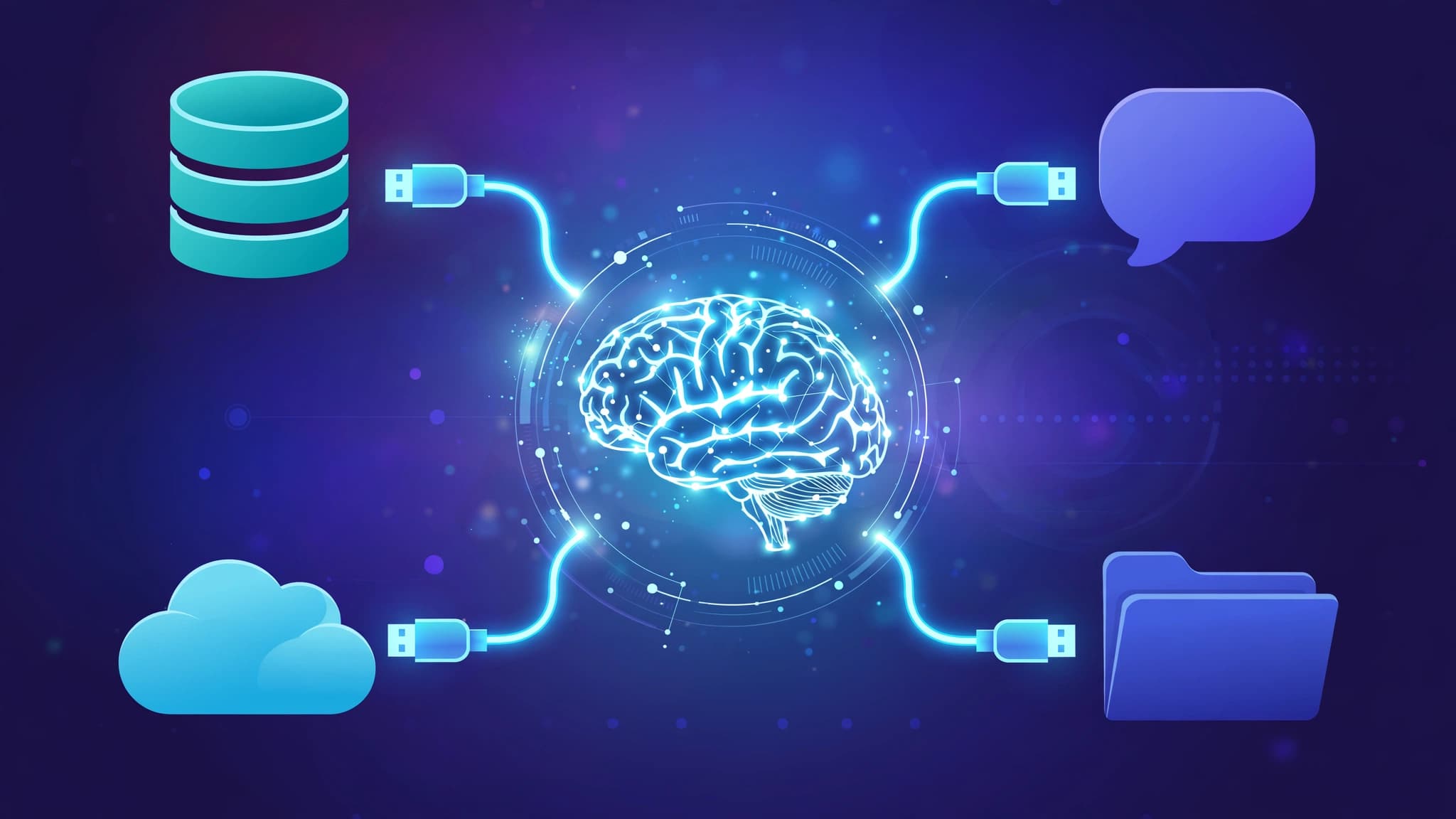
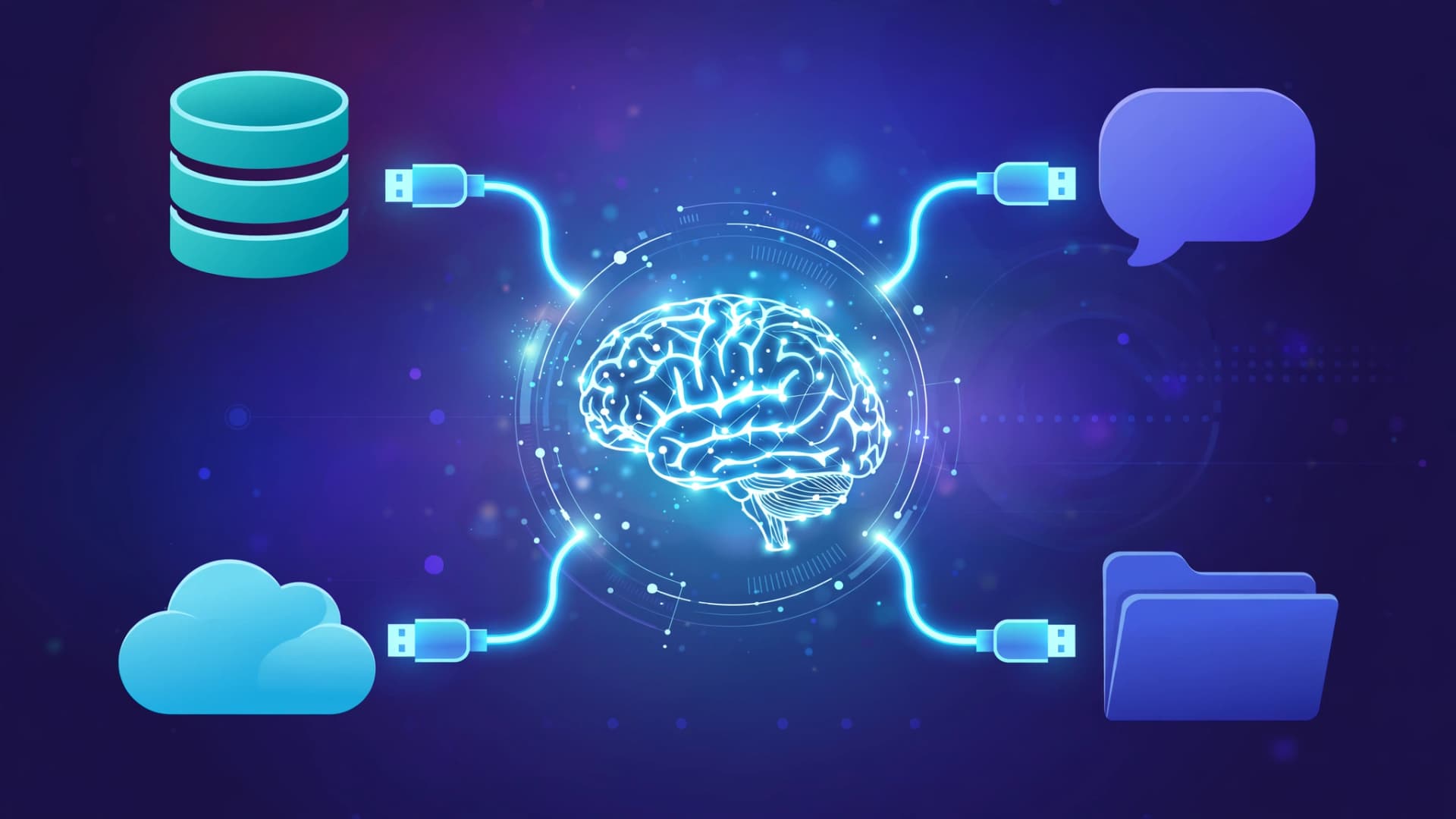
Every AI assistant today can write, reason, and code. What it cannot do on its own is touch your tools — your database, your GitHub, your calendar, your files. The Model Context Protocol, or MCP, is the open standard that fixes that. Introduced by Anthropic in November 2024, it gives any AI app one shared way to connect to thousands of external tools and data sources, and by early 2025 it had become one of the most widely adopted standards in the AI ecosystem. Here is what it is, how it works, and how to use it.
The problem MCP solves: the N x M integration trap
Before MCP, every connection between an AI app and a tool was bespoke. Want your assistant to search your docs? Write a custom plugin for it. Query a Postgres database? Write another one, in a different shape. Hook it up to Slack? A third. Each AI vendor had its own plugin format, so the same capability got rebuilt again and again and none of it was portable.
This is the N x M problem: N AI apps times M tools equals an explosion of custom integrations. MCP collapses it to N + M. Tool builders implement the protocol once, AI apps implement the protocol once, and they meet in the middle. Write an MCP server once, and every MCP-speaking client — Claude Code, Cursor, VS Code's agent mode, Continue, Zed, and many others — can use it with zero extra work.
The analogy everyone reaches for is USB-C. It is a fair one, as long as you understand what it really means in practice: the win is not magic, it is that nobody has to negotiate a private format anymore.
The three pieces: host, client, server
MCP defines a client-server architecture with three roles:
MCP host. The AI application you interact with — Claude Desktop, Claude Code, Cursor, an IDE with agent mode. The host orchestrates everything: it manages client instances, decides which tools a particular agent may use, and controls what context reaches the model.
MCP client. The messenger. It talks to the server on the host's behalf: it asks what the server can do, turns the model's intent into a structured request, and feeds the result back into the conversation as context. There is a one-to-one client-to-server pairing per connection.
MCP server. The toolbox. It exposes a list of capabilities and executes them against a data source — your GitHub account, your filesystem, a database, a browser. Servers are ordinary programs (often npm packages) that speak MCP over a standard transport.
Two transports exist. stdio runs the server as a local process and communicates over stdin/stdout — simplest for local tools like filesystem access. Streamable HTTP runs the server as a web service over HTTP — the right choice for cloud-hosted services. Older servers used SSE over HTTP, but the spec has since standardized streamable HTTP.
The three primitives: tools, resources, prompts
Everything a server offers falls into three buckets:
Tools are functions the model can call — the most important primitive. Each tool has a name, a human-readable description, and an input/output schema. The model reads those descriptions and decides which tool to call, exactly like function calling. Examples: get_order_status, search_documents, send_email.
Resources are structured data the model can read: files, database rows, error logs, JSON objects. They are application-controlled — the host decides what to attach — and they give the model grounding without requiring a call.
Prompts are reusable prompt templates, user-controlled, working a bit like slash commands: a short shortcut that expands into a full workflow.
A typical request cycle looks like this: you ask "what is the status of order #8821?" The host sends your request plus the available tool definitions to the model. The model matches the request to a get_order_status tool and outputs a structured tool call with the order ID. The client forwards it to the server, the server queries the order database, and the result comes back as structured JSON. The model then answers in natural language, grounded in real data. All of it over JSON-RPC 2.0 — the same lightweight remote-procedure-call format used across web infrastructure — which is why servers can be written in any language.
MCP vs function calling vs plugins: what is actually different
OpenAI's function calling (2023) and ChatGPT plugins let models call functions too, so what is new here? Two things.
First, function calling is a per-app API shape. It answers "how does this model call a function." MCP answers the deeper question: "how does any AI app discover, describe, and call any external capability." It standardizes the discovery step (tools/list), the calling step (tools/call), and the schema format, so capability authors do not have to target each app separately.
Second, plugins were vendor-owned marketplaces with proprietary formats. MCP is an open standard with an open-source specification (it lives at modelcontextprotocol.io) and SDKs in several languages, which is why the server ecosystem grew so fast instead of being locked to one vendor's store.
Popular MCP servers worth trying
Community and official servers now exist for most services developers use. Well-maintained examples include:
- Filesystem (@modelcontextprotocol/server-filesystem) — sandboxed read/write access to specific directories, useful for giving an agent access to files outside its project root.
- GitHub (@modelcontextprotocol/server-github) — create issues, read pull requests, manage repositories.
- PostgreSQL (@modelcontextprotocol/server-postgres) — let the agent inspect your schema and run read queries against a database.
- SQLite (@modelcontextprotocol/server-sqlite) — the same idea for lightweight local databases.
- Slack (@modelcontextprotocol/server-slack) — read and send messages in channels.
- Brave Search (@modelcontextprotocol/server-brave-search) — web search for the agent.
- Puppeteer / Playwright — browser automation and web scraping.
- Memory (mcp-server-memory) — persistent key-value storage so an agent can remember things across sessions.
- Context7 — serves up-to-date library documentation to coding agents.
- Sequential Thinking — structured multi-step reasoning for harder problems.
The reference collection lives in the modelcontextprotocol/servers repository, and remote servers for services like Notion, Stripe, and PayPal expose their own MCP endpoints.
Setting up an MCP server in Claude Code
Connecting a server usually takes one command. For a local stdio server:
claude mcp add --transport stdio filesystem -- npx -y @modelcontextprotocol/server-filesystem /path/to/allowed/dirFor a hosted HTTP server:
claude mcp add --transport http notion https://mcp.notion.com/mcpManage them with claude mcp list, claude mcp get <name>, and claude mcp remove <name>; inside a session, /mcp shows connection status. Other hosts use a config block in the same shape — most commonly an mcpServers section in a settings JSON:
{
  "mcpServers": {
    "github": {
      "command": "npx",
      "args": ["-y", "@modelcontextprotocol/server-github"],
      "env": { "GITHUB_TOKEN": "your-token-here" }
    }
  }
}
That block is the entire integration — no custom client code, no per-tool SDK. The host reads it, launches the server, and discovery takes it from there.
A few practical tips: pin the server package version once you find one that works, because community servers move fast; scope tokens narrowly since a server runs with the permissions you grant it; and prefer remote HTTP servers for services you do not need to run locally, since stdio servers spawn processes on your machine.
Building your own server
You do not need to be Anthropic to add a server. The official TypeScript and Python SDKs make a minimal server a few dozen lines: define a tool with a name, a description, and a zod-style schema, register a handler that does the work, and connect it over the stdio transport. Ship it as an npm package and every MCP client can consume it. That is how the ecosystem grew so quickly — the barrier to publishing a capability is low, and the audience is every compatible agent at once.
Security: the part people skip
A server can read files, query databases, and call APIs with real credentials. MCP itself does not sandbox you, so treat every server like any other dependency: prefer official or well-starred community servers, audit what scopes the API tokens you hand it actually carry, and give filesystem servers access to one directory rather than your whole drive. A malicious or compromised server could exfiltrate data through the agent's context, so the supply-chain caution you apply to npm packages applies here too.
Should you learn MCP in 2026?
If you build with AI agents — coding assistants, support bots, internal tools — MCP is now the standard answer to "how does the agent reach our systems." The learning curve is gentle: understand host/client/server, the three primitives, and the one-command setup, then grow from there. The ecosystem is still young and conventions are settling, but the direction is clear — one protocol instead of a hundred plugins.